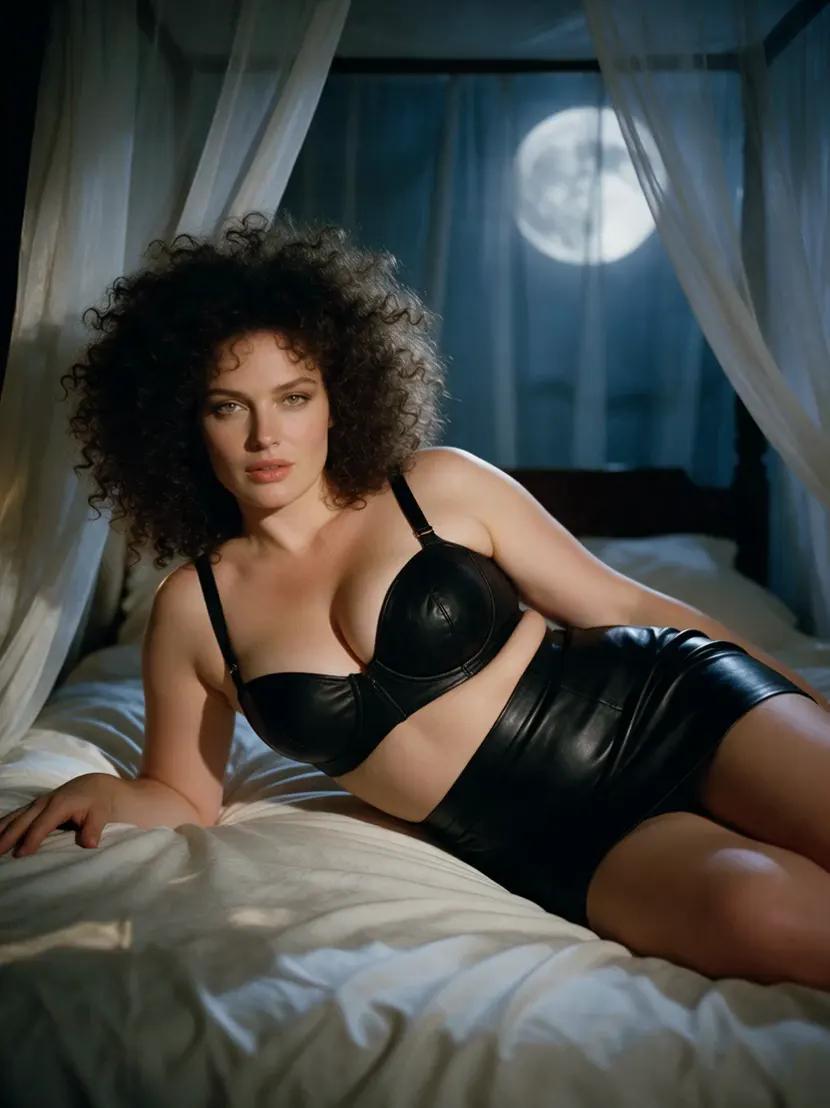
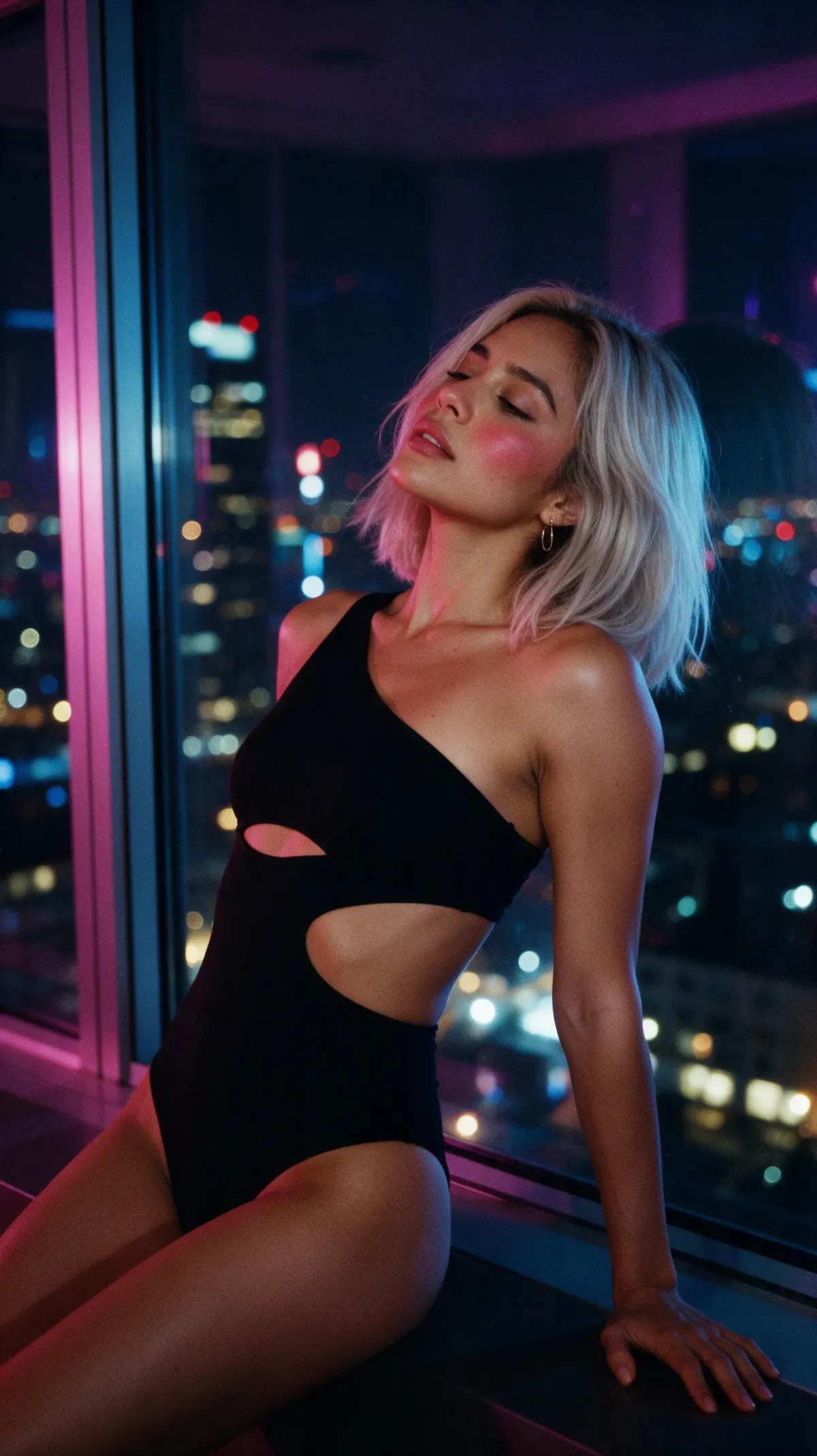
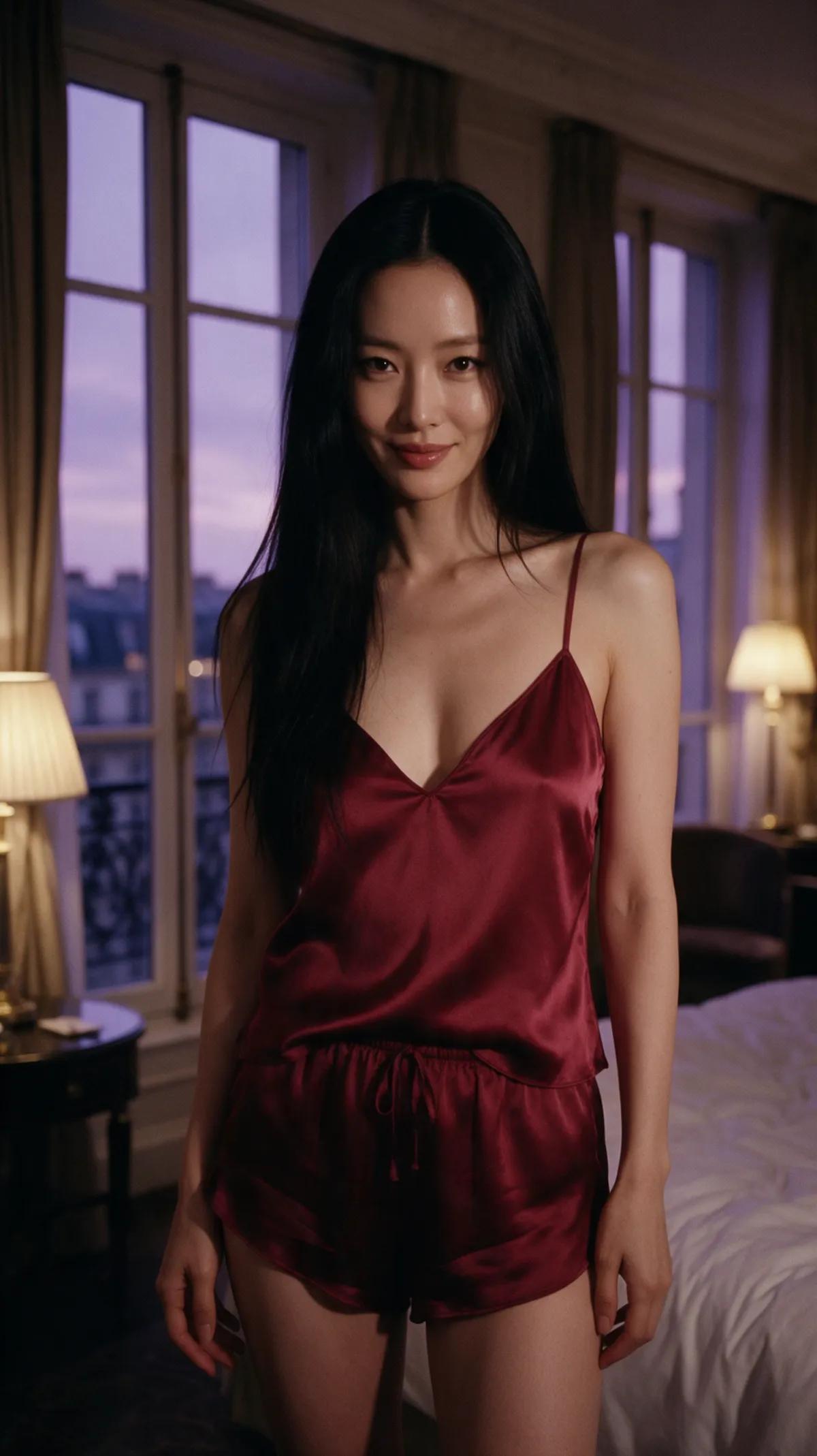
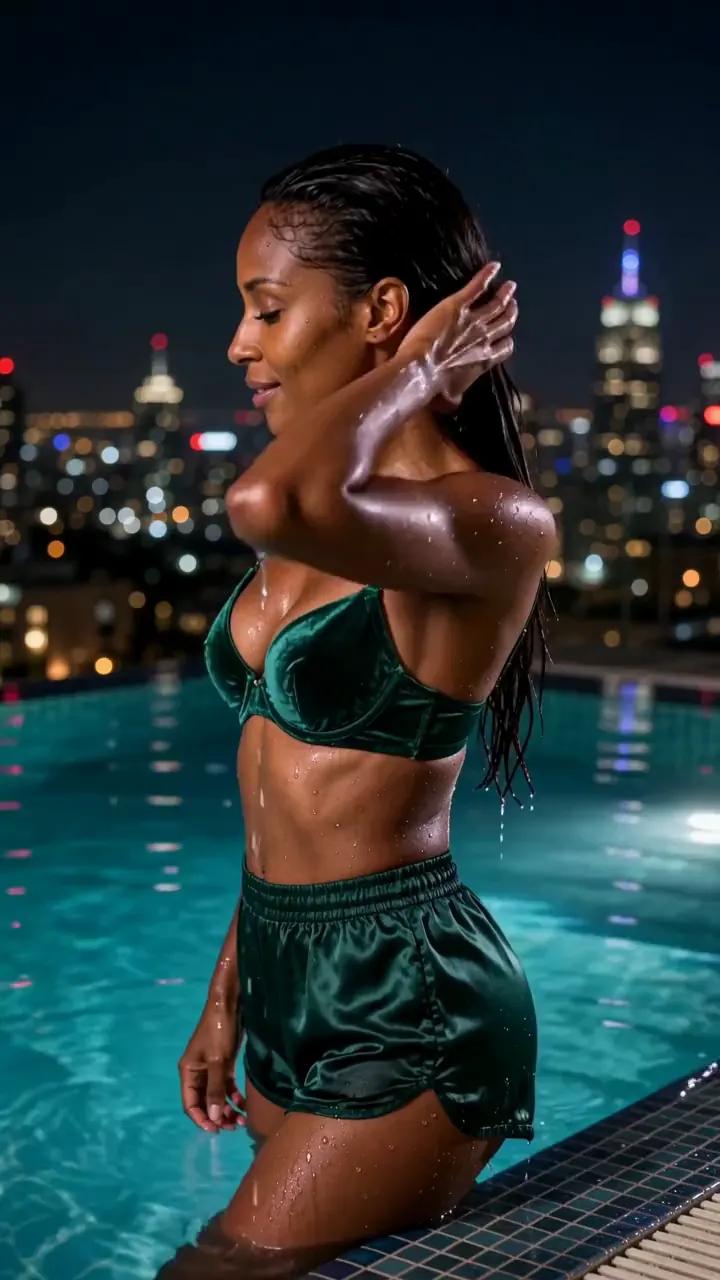
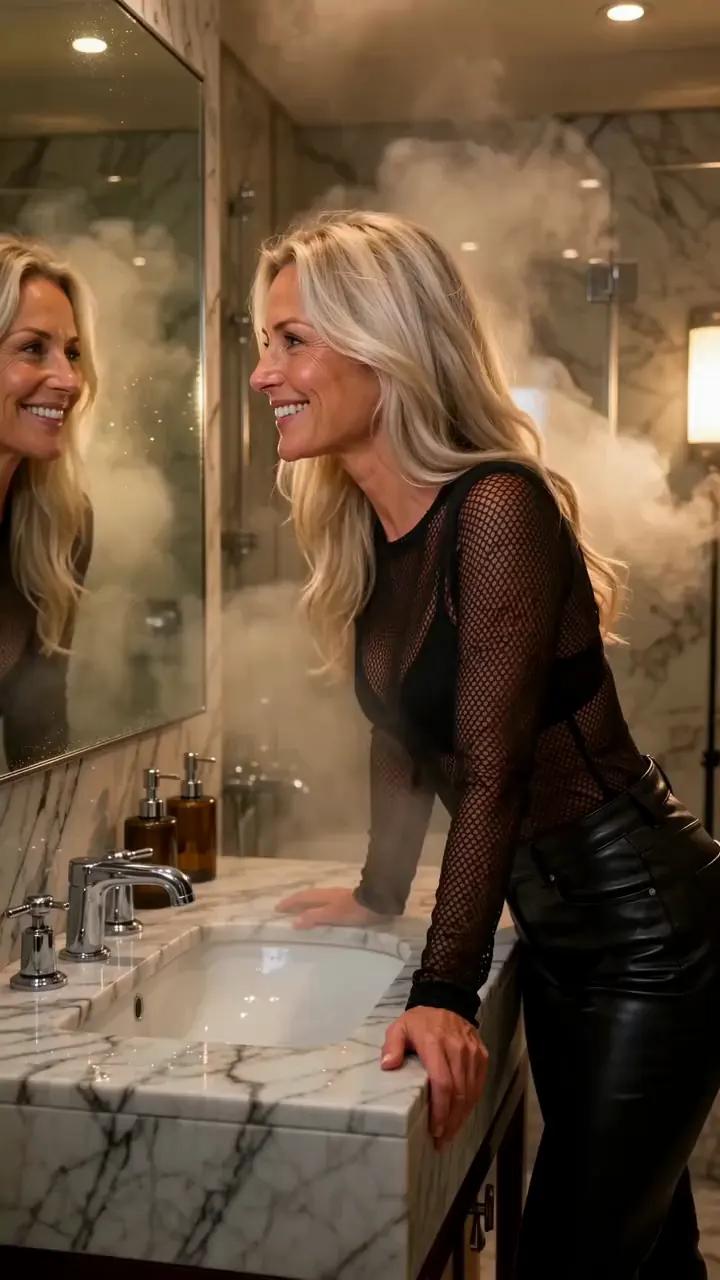
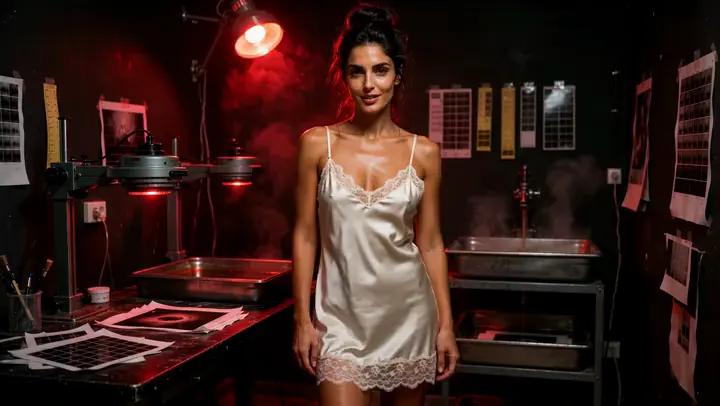
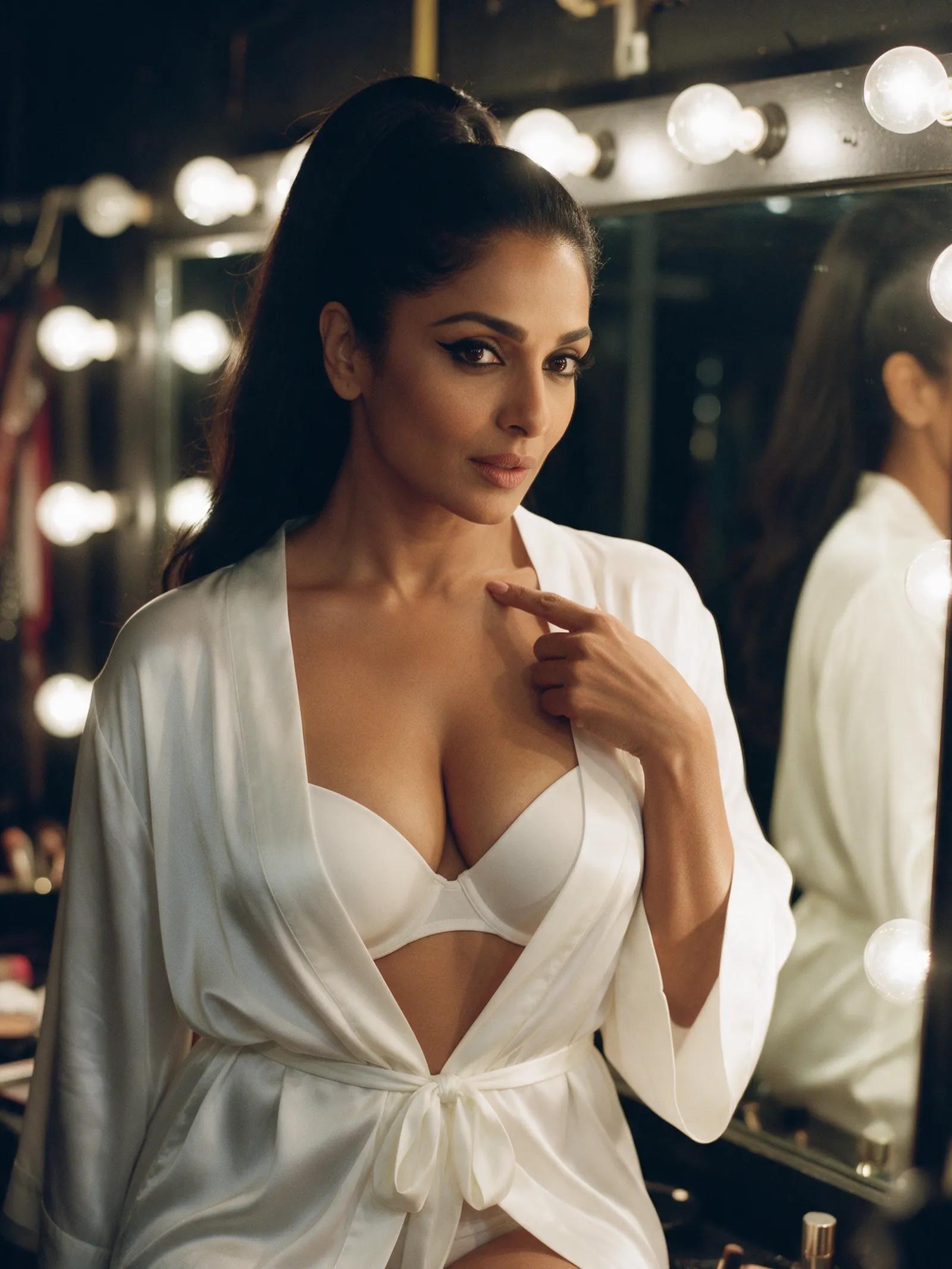
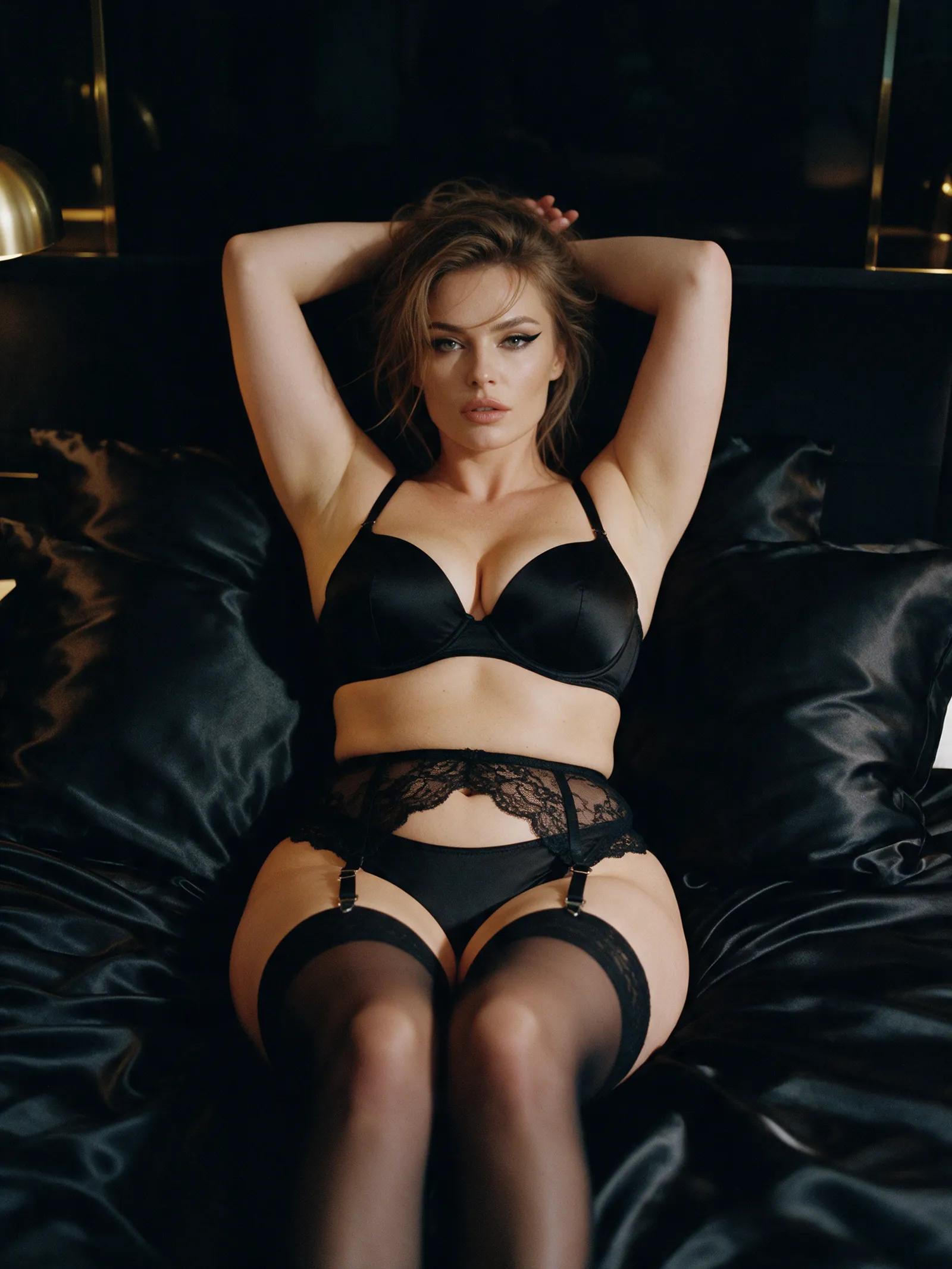
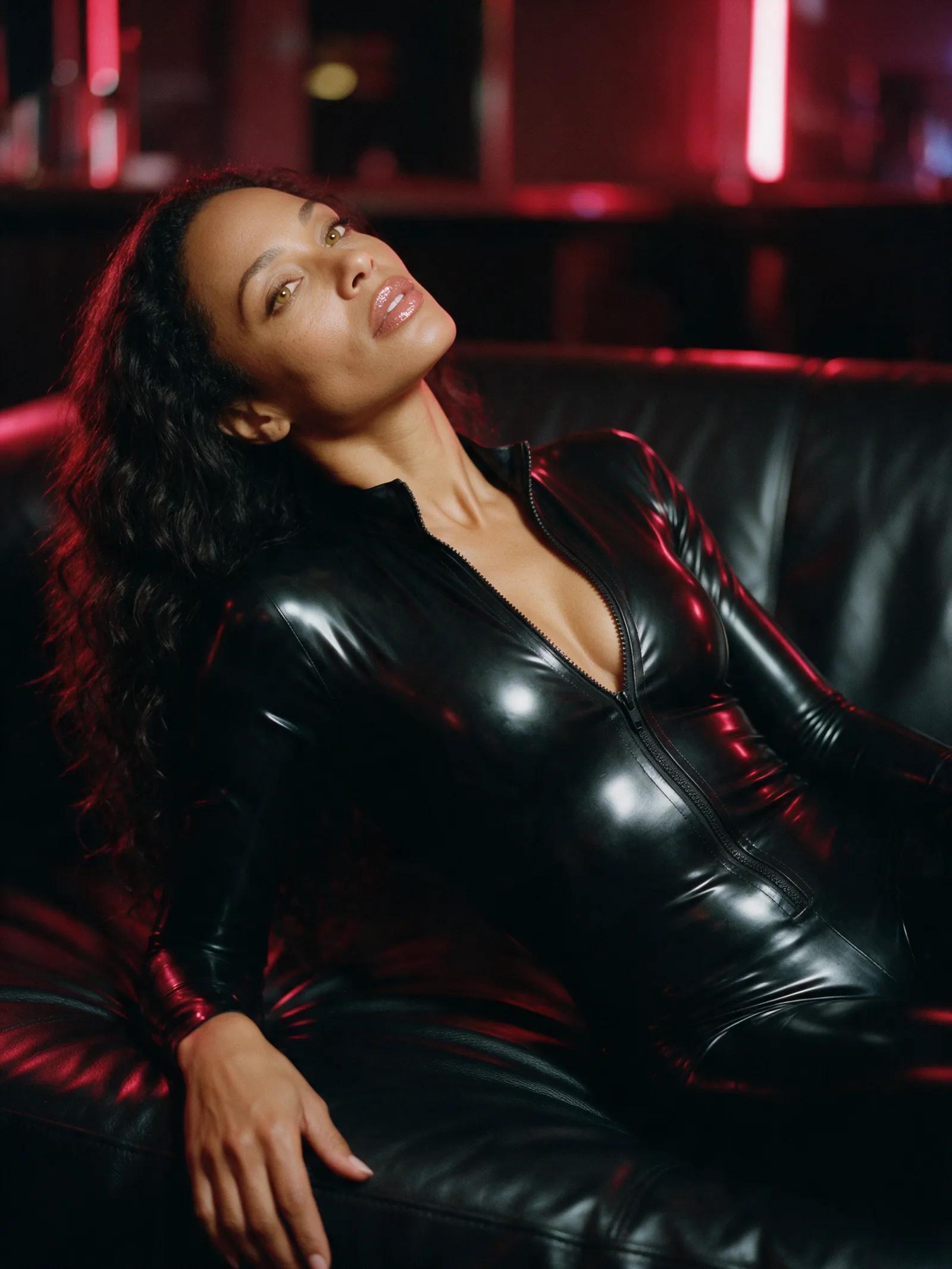
An NSFW video tool turns a written scene into a short cinematic clip. Describe the setting, wardrobe, lighting, mood, and one clear movement: emerald velvet beside a turquoise pool, black satin in candlelight, or ivory silk under a red safelight. Promptgasm renders fictional adult characters in 5-, 10-, or 15-second clips, with up to 30 seconds on Ultra. Choose a vertical, square, or widescreen frame, then let the scene move.
For better NSFW results, keep the action simple. Ask for a slow head turn, a hand moving through wet hair, or a measured shift of weight rather than several actions at once. A static camera helps keep the movement clear. Finish with concrete visual direction, such as warm, flickering candlelight; soft light through steam; deep red safelight; or turquoise reflections on skin. Precise mood words give the engine a clearer scene to render.
Promptgasm’s NSFW studio begins with the content filter on for every new account. Your first credit pack verifies the account, and all future image and video renders automatically use the studio’s uncensored engines. There is no switch to find or setting to change. The content policy still applies, and automated screening may refuse a request that falls outside it. Your completed work stays in the private library linked to your account.
For spicy AI video, Promptgasm offers two text-to-video engines. Standard, powered by Wan 2.7, is quick and reliable; Ultra, powered by Wan 3.0, produces the most detailed results and supports clips up to 30 seconds. Resolution reaches 1080p, sound can be on or off, and five aspect ratios cover social, portrait, square, and widescreen framing. Each render takes a few minutes before appearing in your library.