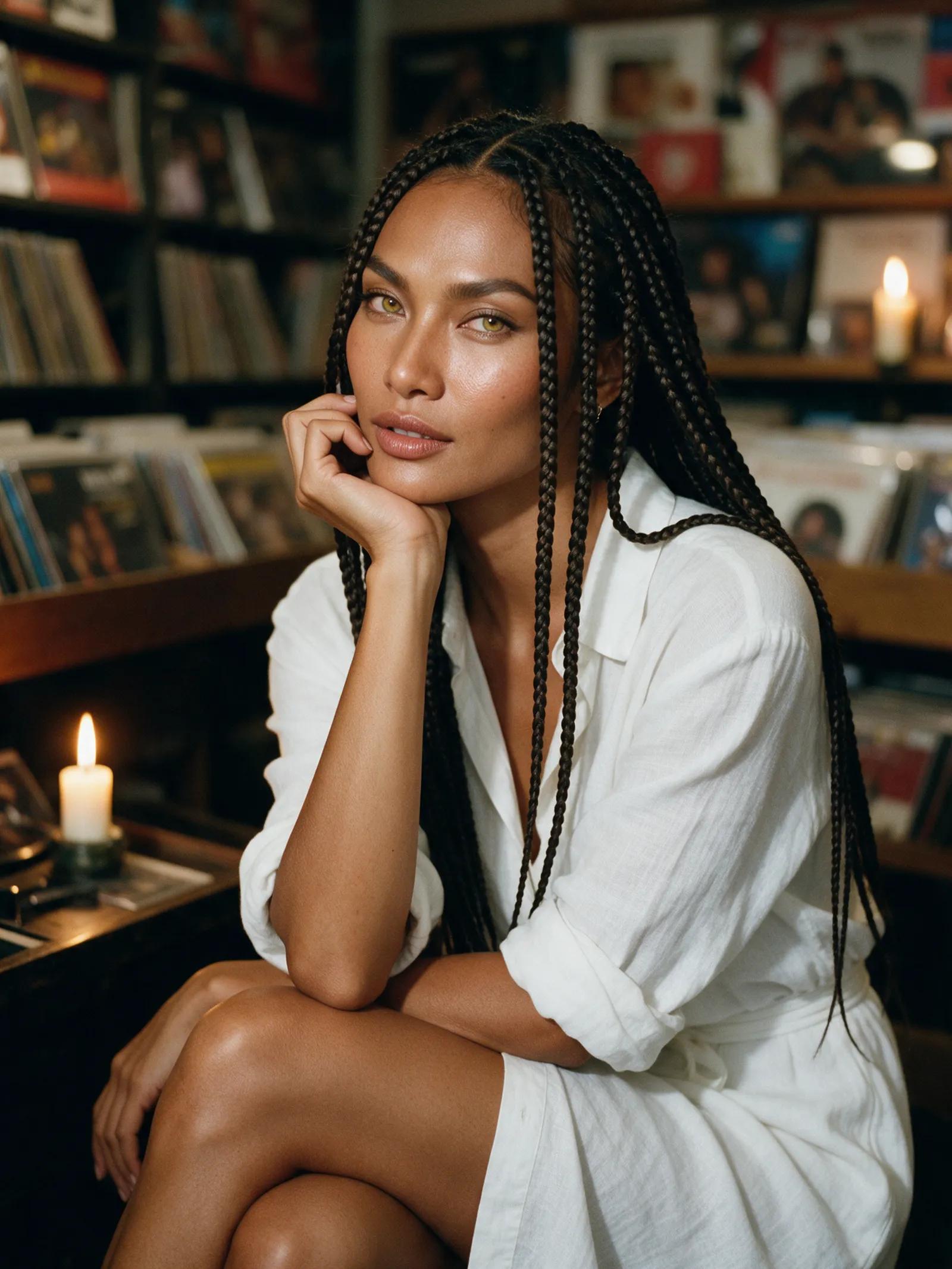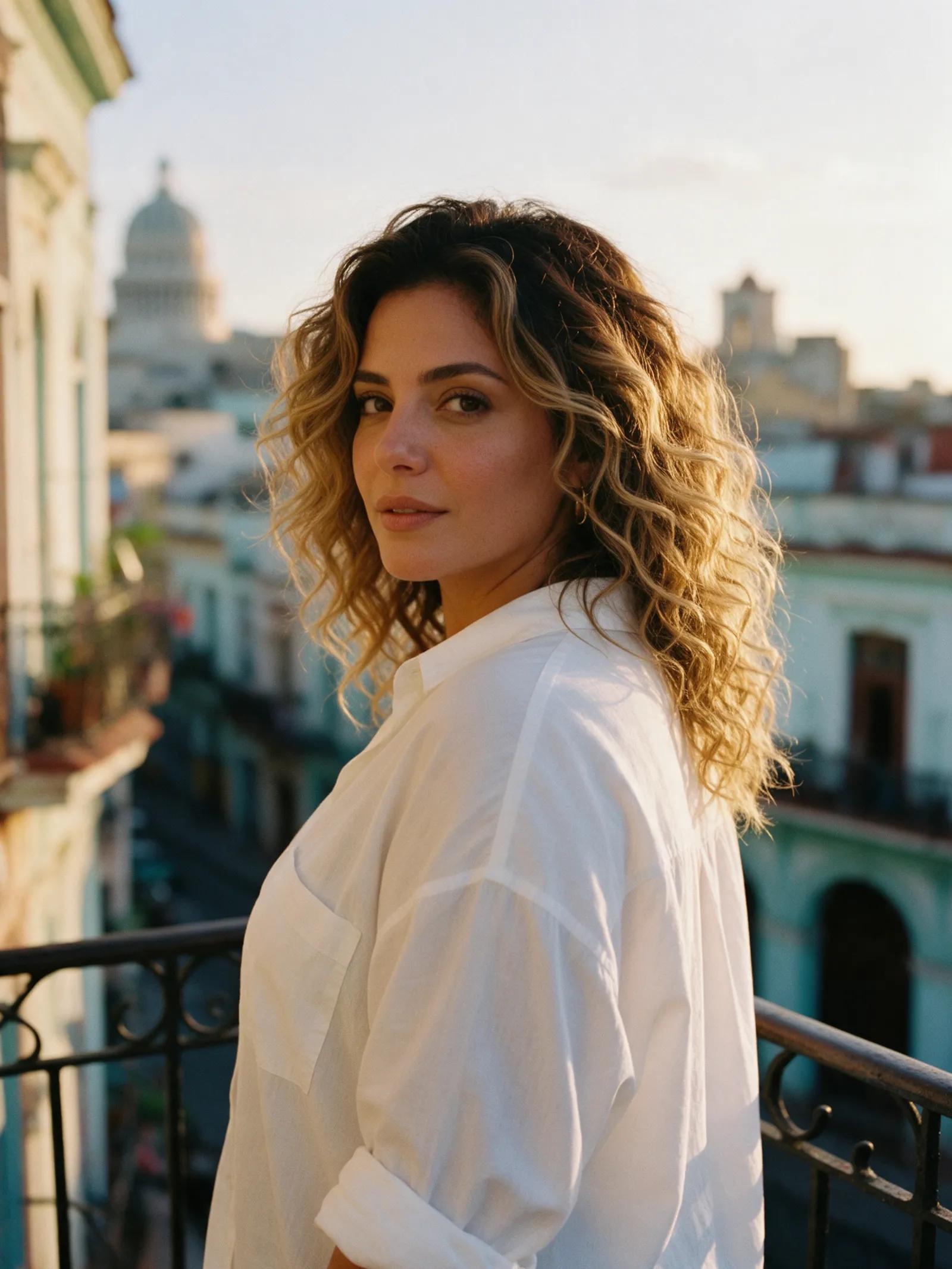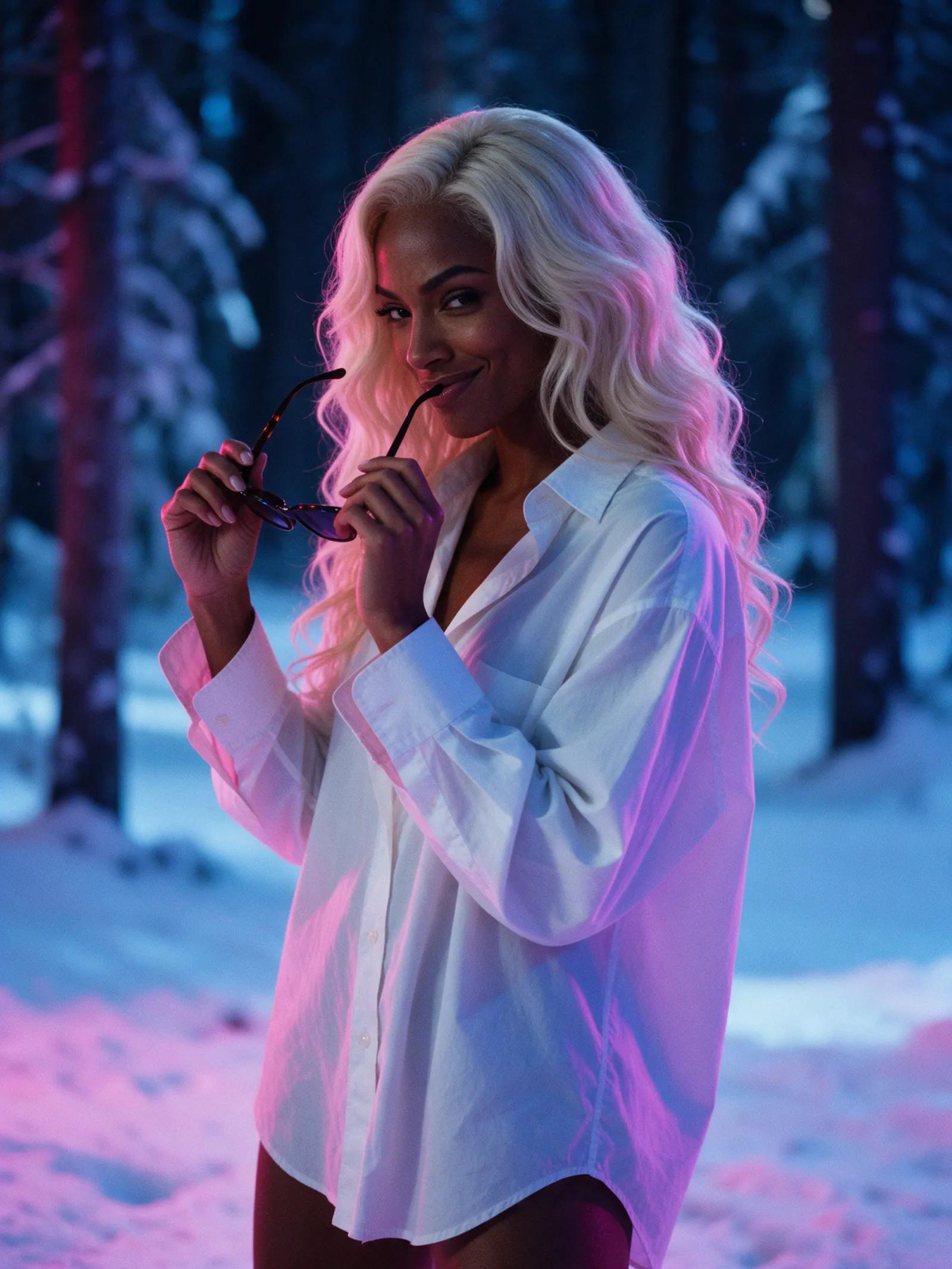
Direct every shot
AI short film generator for connected scenes
Use an AI short film generator to carry the same heroine from one shot to the next. Begin with a cast portrait, build each scene, then shape the final story in your editor.
- One portrait, many shots
- Clips up to 30 seconds
- Up to Full HD


Two cinematic journeys
One heroine. A world of scenes.
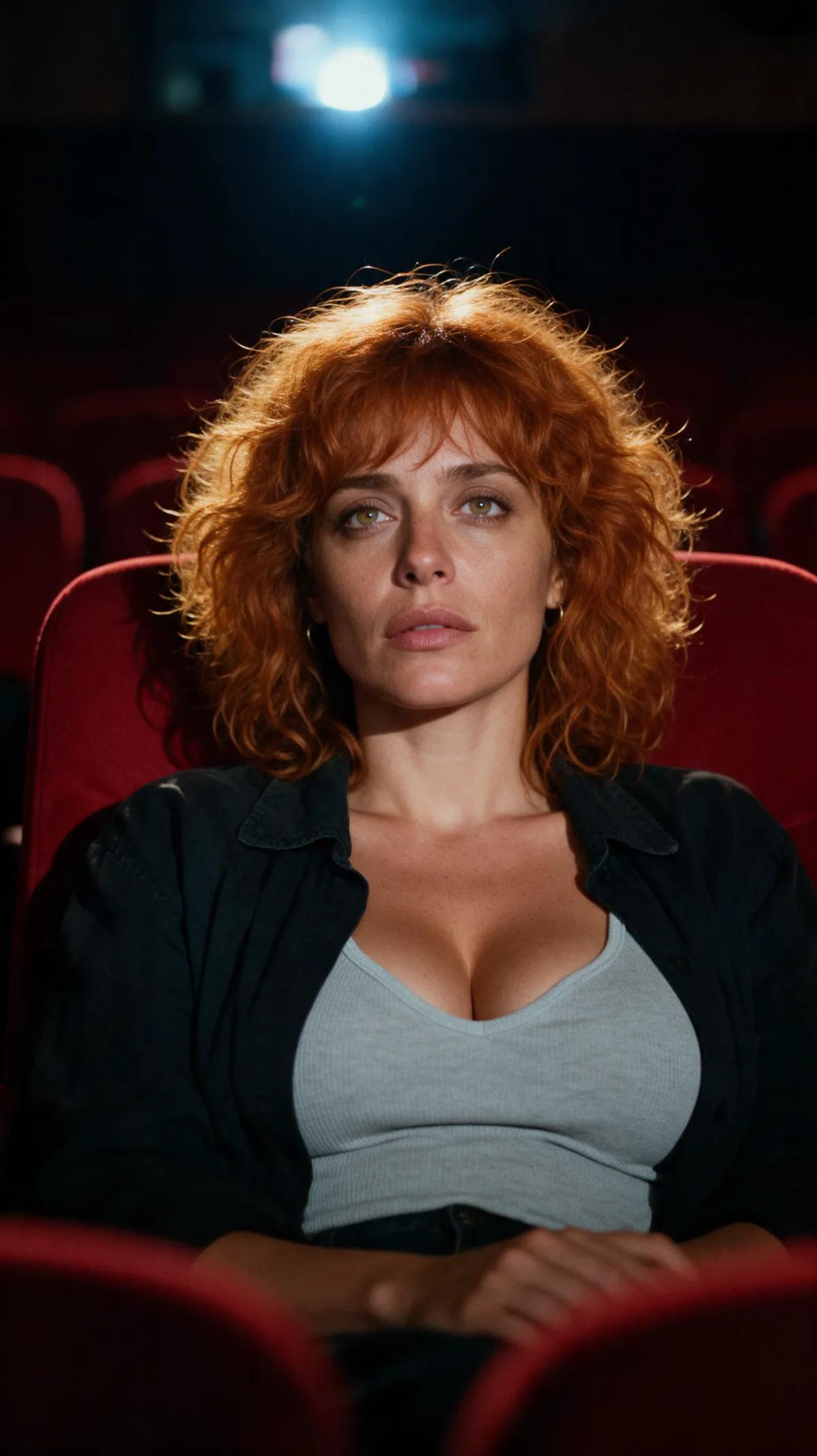
See how a single cast portrait carries one heroine through two journeys: a rain-soaked train ride at night and a voyage beyond Earth.
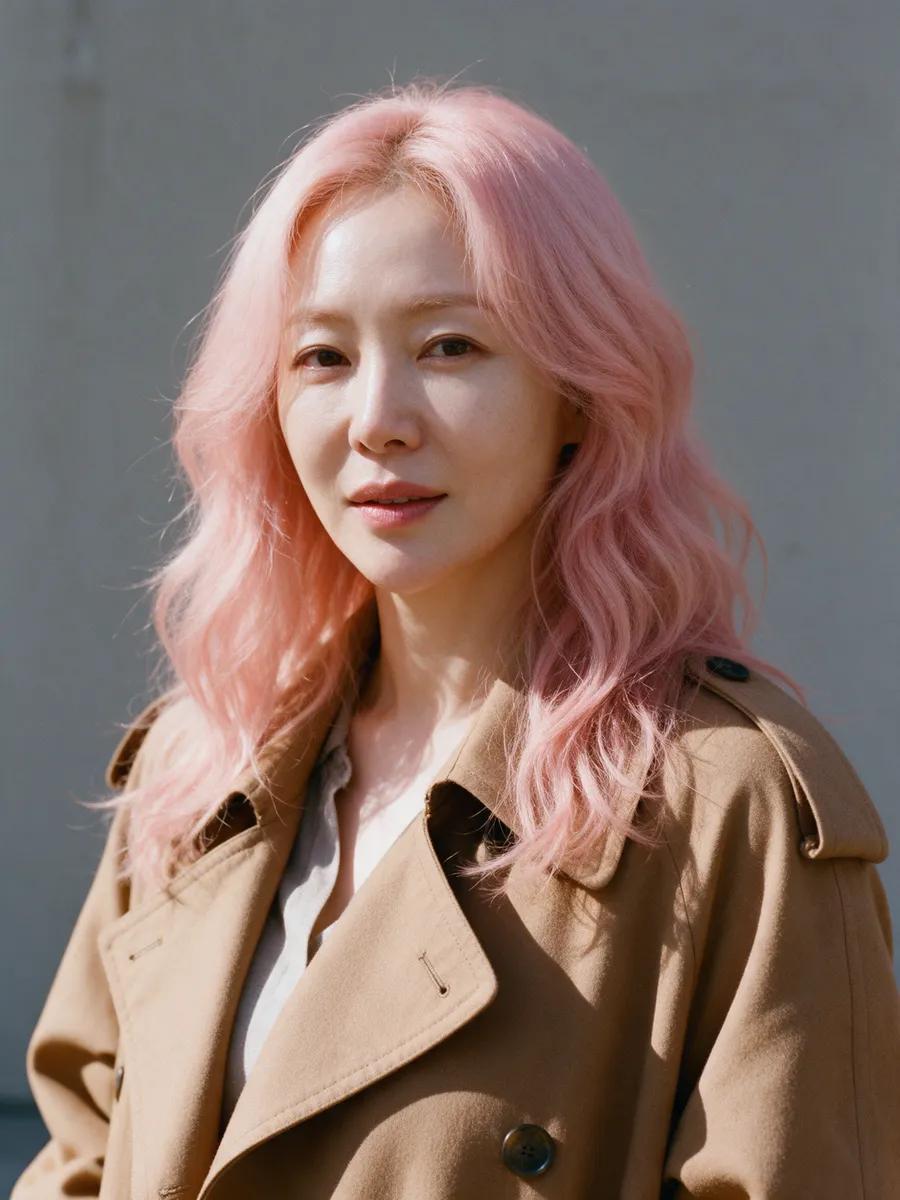


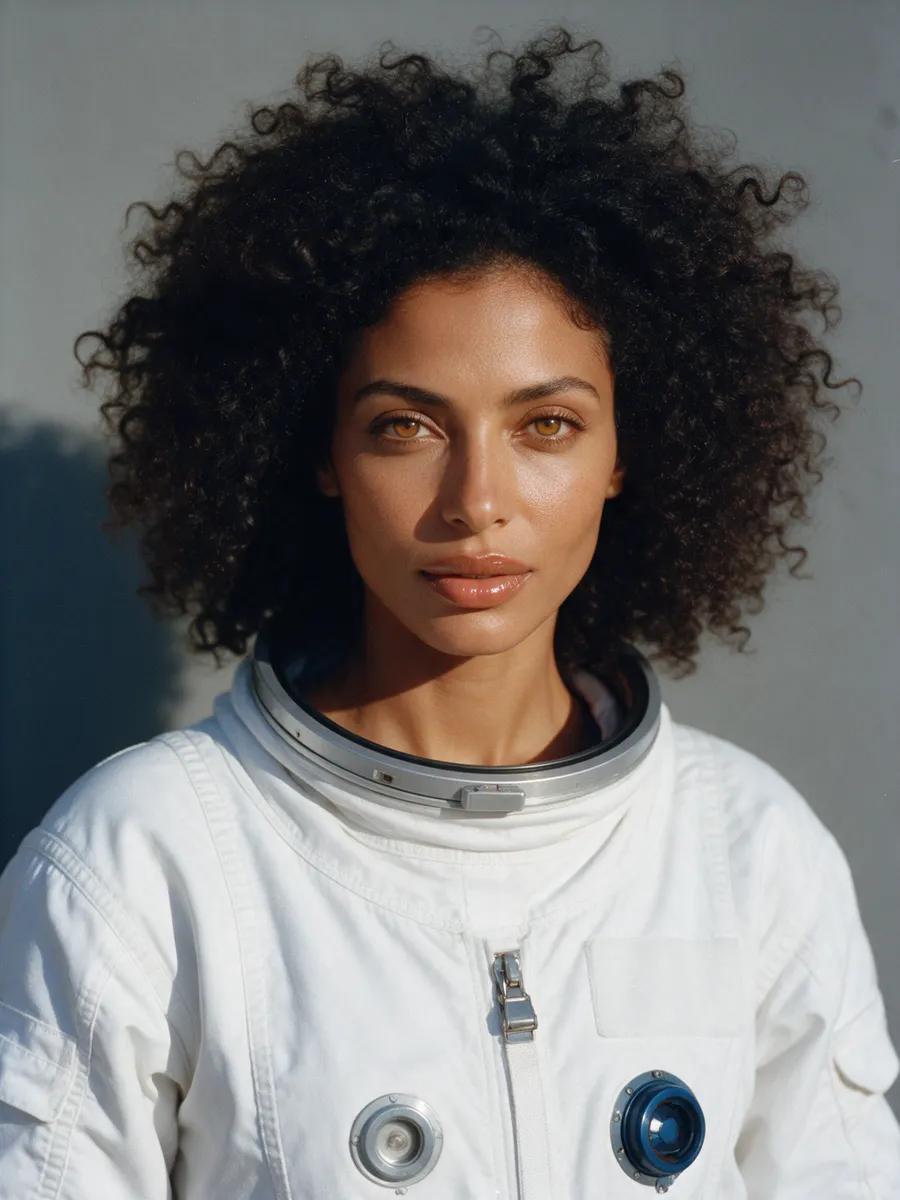

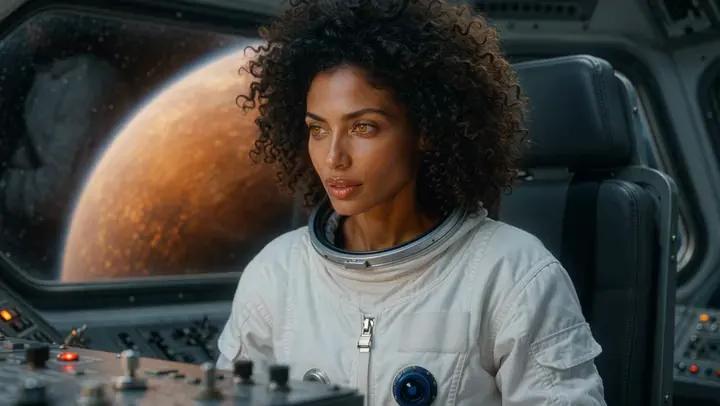

Create cinematic stories across connected shots
Short films work best when you treat every clip as a shot rather than a finished movie. Begin with a clear cast portrait, then plan wide shots, close-ups, and turning points around it. In Promptgasm’s reference mode, tag that portrait as [Image 1] and call for the same heroine in every new setting. You can cast up to five pictures when a scene needs more people or visual references while keeping your lead anchored to one recognizable face.
Think of Promptgasm as a compact virtual set. Describe the location, time of day, lighting, wardrobe, action, mood, and camera movement for every shot. Neon can ripple across a train window. Blue controls can blink inside a silent spacecraft. Repeating the defining details from your cast portrait helps the character remain recognizable, though small features may vary between renders. Create an alternate take of every crucial close-up or story beat so you have options in the edit.
Each result is a single shot. Choose a 5-, 10-, or 15-second clip, or go up to 30 seconds with Ultra, then select an aspect ratio from vertical 9:16 to widescreen 16:9. Resolution reaches 1080p Full HD, and sound can be turned on or off. Rendering takes a few minutes. Finished shots appear in your private library, ready to watch and download before you assemble them in your preferred editor.
For music videos and teasers, the same workflow lets you cast once, design the visual arc, and render the strongest moments separately. Cut those shots together outside the studio, where you can add music, titles, captions, and transitions. Promptgasm creates the individual clips; it does not assemble or publish the finished film. Every example on the site includes its exact prompt, so you can open it in the studio and adapt the direction to your story.
Scene by scene
Build your short film in three moves
- 1
Cast your lead
Select a clear portrait of your heroine, then upload it to reference mode as [Image 1]. You can use your own photo, but only use another real person’s image with their permission.
- 2
Direct each scene
Describe the setting, action, lighting, and camera movement for every shot. Repeat key character details and render an alternate take when the moment matters.
- 3
Cut the story
Download each finished clip from your private library. Join the shots, then add music, titles, and captions in your editor.
More ways to shape the frame
Explore tools for creating video from text or images, generating and editing stills, planning photo shoots and duo scenes, and restyling video.
Questions about making short films
Can AI generate a complete short film?+
Promptgasm generates individual video shots rather than a fully edited film. Each clip can run up to 30 seconds on Ultra. You can then cut the shots together and add music and titles in your own editor.
How do I keep the same character across scenes?+
Begin with one clear cast portrait and use it as [Image 1] in reference mode for every shot. Repeat important visual details in each prompt. The heroine can remain recognizable, but small details may vary, so render alternate takes of key scenes.
Can I make a movie trailer?+
Yes. You can generate trailer shots one at a time, from the opening image to the final reveal. Promptgasm does not cut them together or add captions, titles, or music, so complete those steps in your editor.
How long can each shot be?+
Choose 5-, 10-, or 15-second clips, while Ultra supports durations as long as 30 seconds. Render in Full HD at resolutions up to 1080p, using 9:16, 3:4, 1:1, 4:3, or 16:9.
Which video engine should I use for cinematic scenes?+
For text-to-video creation, Standard uses Wan 2.7 to produce quick, reliable output, whereas Ultra uses Wan 3.0 for the highest level of detail. For image animation, choose Fast with Wan 2.2, Best with Wan 2.7, or Ultra with Wan 3.0.
Can I use a real person’s photo as the cast portrait?+
Upload a photo of your own, or start with a fictional cast portrait made in the studio. When an image features someone else, only use it with that real person’s permission.
How much does a short film cost to make?+
Promptgasm charges in US dollars through one-time credit packs rather than a subscription. Creating an account costs nothing, while generation requires both an account and credits. Stills consume a small number of credits, 5-second clips consume more, and longer Ultra clips require even more.
Your heroine is ready for her next scene
Bring one portrait, direct each shot, and turn a sequence of cinematic moments into your own short film.
- One portrait, many shots
- Clips up to 30 seconds
- Up to Full HD