
Promptgasm

Closer in motion

AI hug video generator for warm embraces

Use the AI hug video generator to turn one photo or two consenting portraits into a cinematic embrace. Add a slow sway, a tender glance, falling snow, or waves at golden hour.

  • Natural movement
  • Up to Full HD
  • Private video library
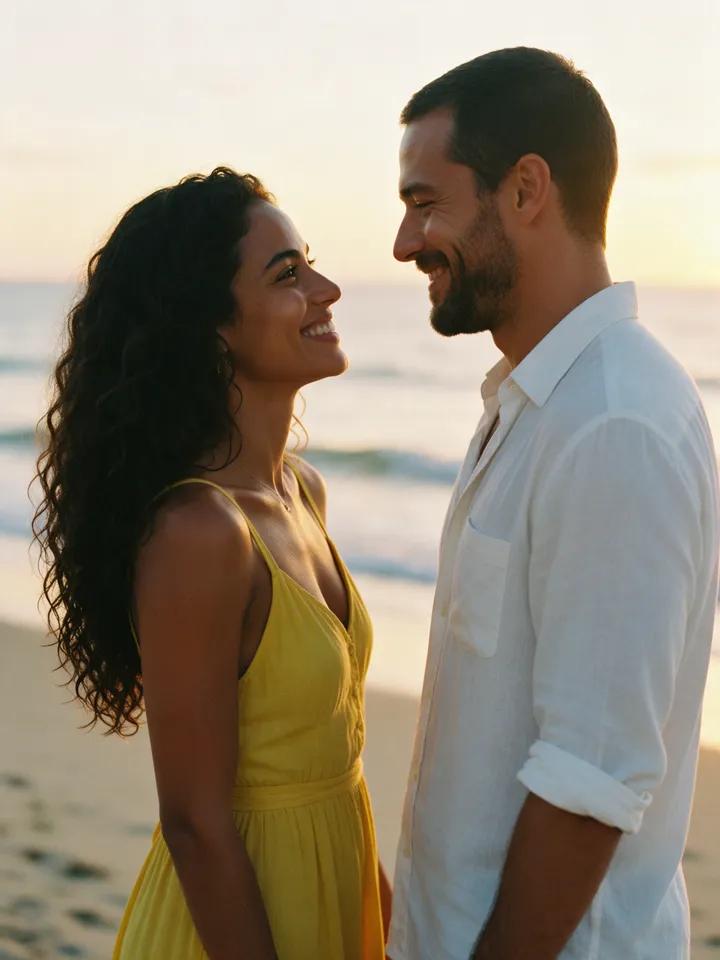
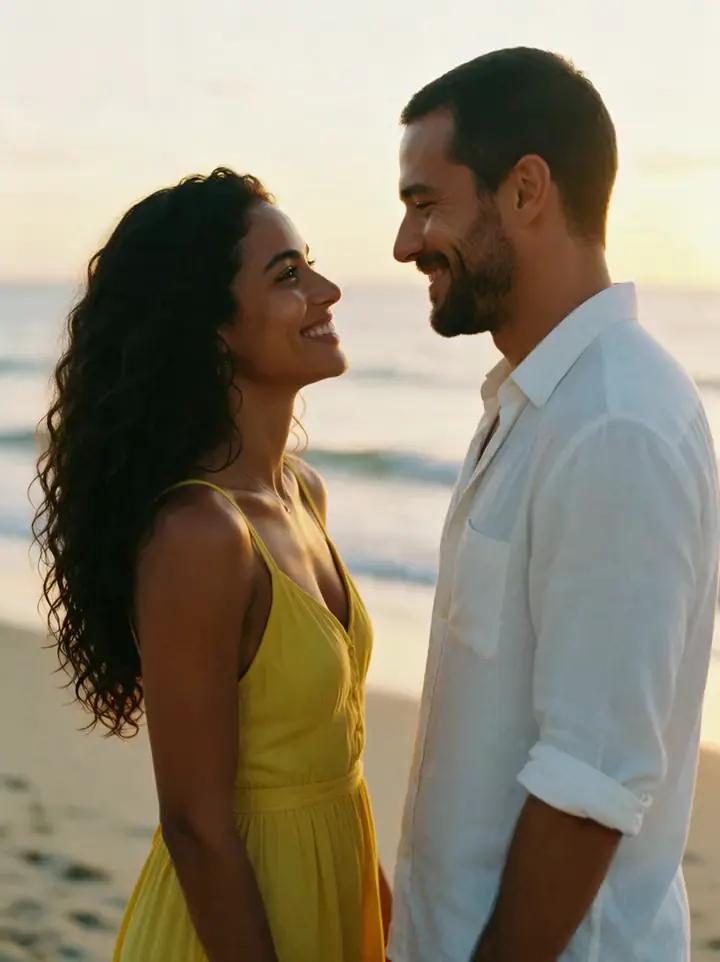
A couple embracing on a beach at sunset

From still to embrace

See a still image come to life

Each fictional pair starts as a still created in the studio, then comes to life in a warm, realistic embrace.

Before: Sunset on the beach
Before
In motion: Sunset on the beach
In motion

Sunset on the beach

They step closer and embrace warmly, swaying gently as waves roll behind them and the camera holds steady.

“They step closer and hug each other warmly, swaying slightly, the waves rolling in behind them. Natural realistic movement, static camera.”
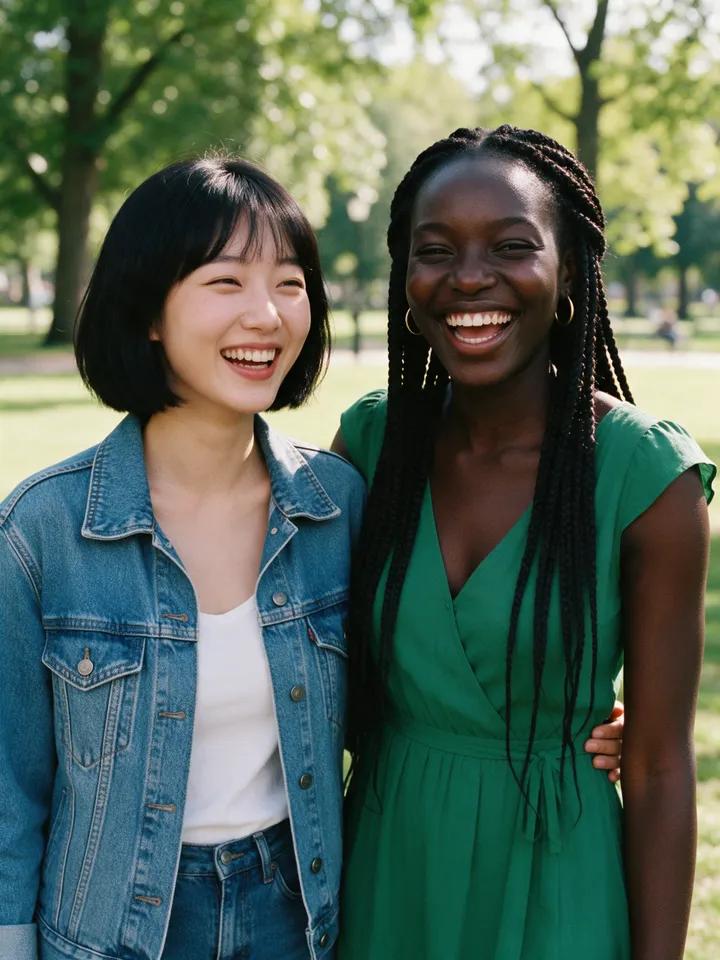
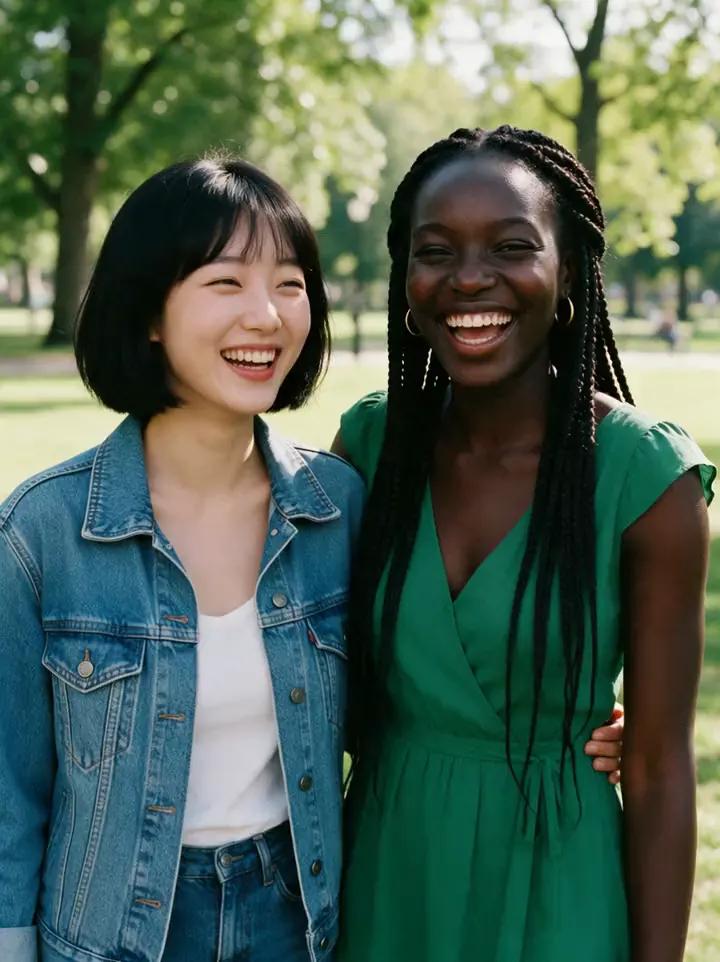
Before: Laughter in the park
Before
In motion: Laughter in the park
In motion

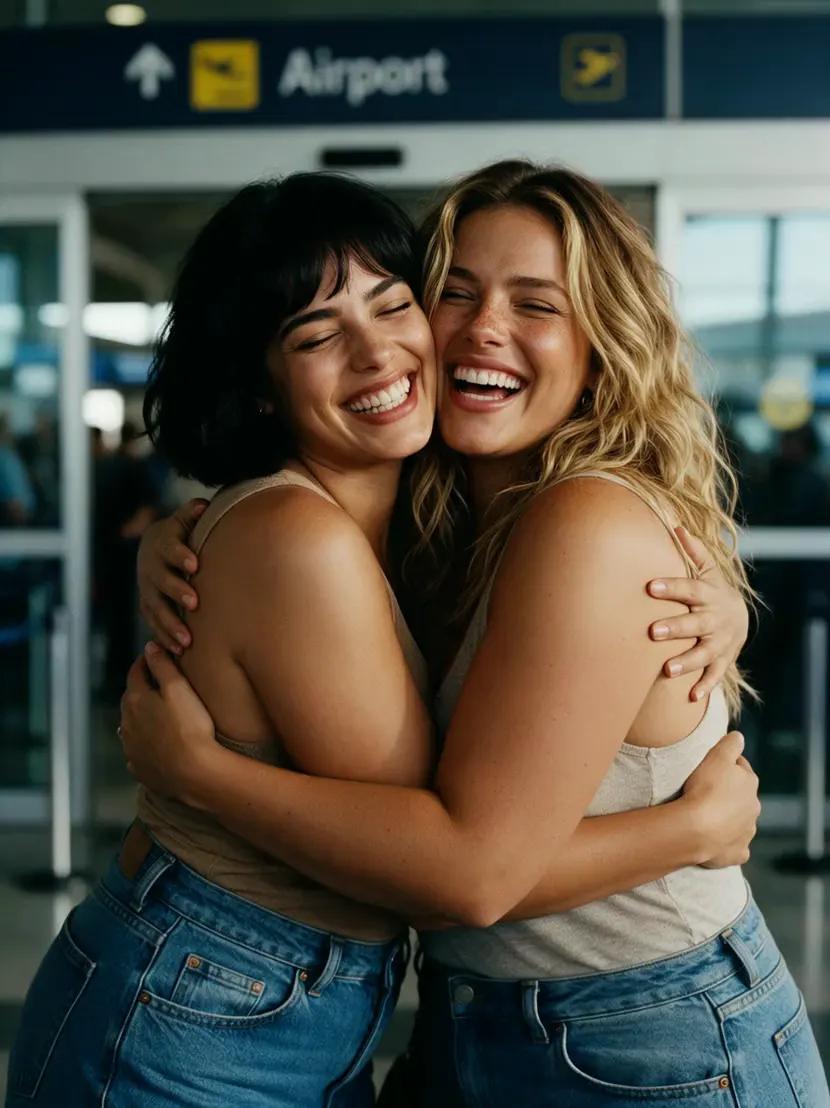
Laughter in the park

The two friends turn toward each other and share a long, joyful hug, laughing naturally as the camera holds steady.

“They turn to each other and share a long happy hug, laughing. Natural realistic movement, static camera.”

Before: Snow under string lights
Before
In motion: Snow under string lights
In motion

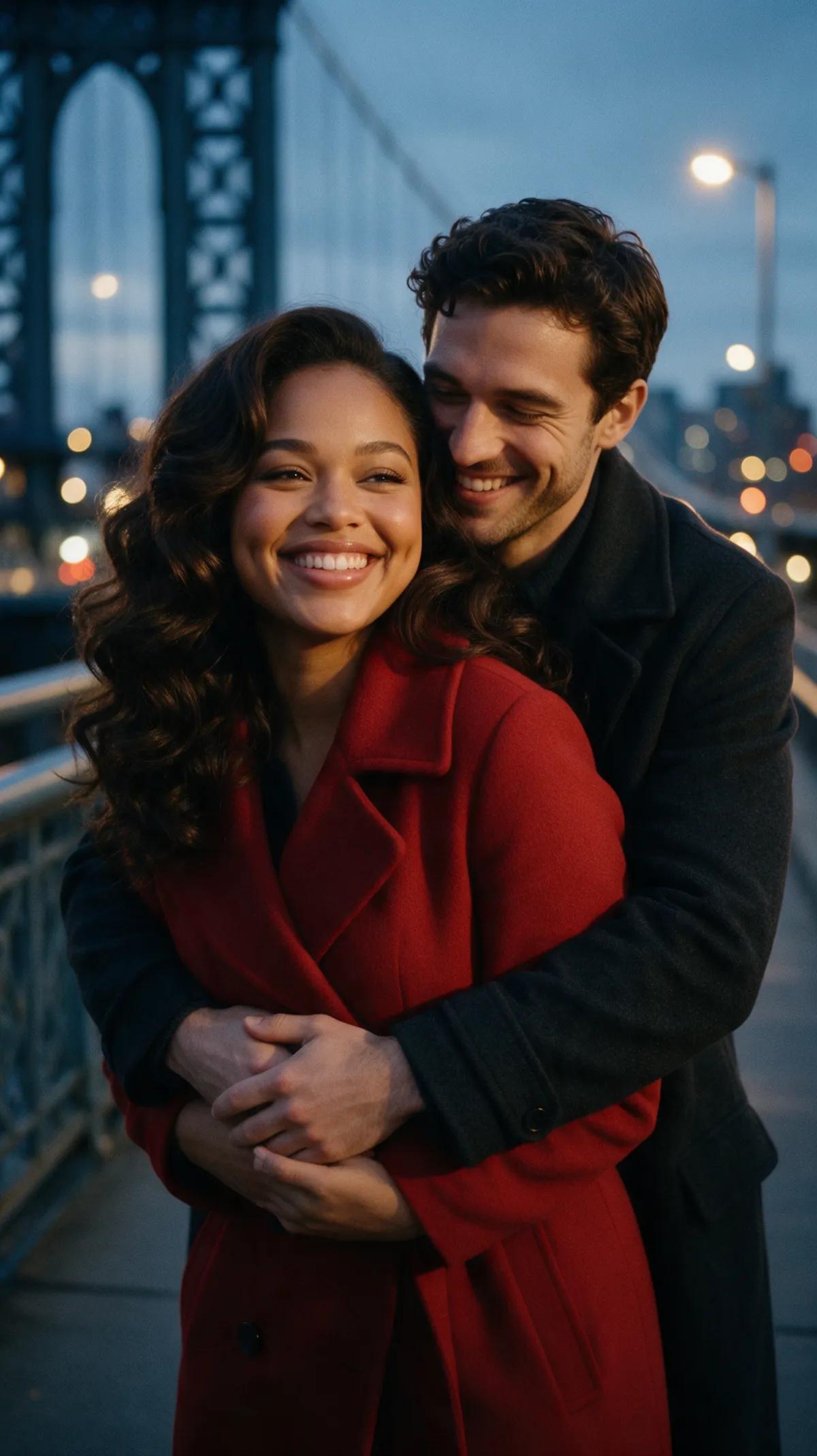
Snow under string lights

He wraps his arms around her as she rests her head on his shoulder, snow falling softly while the camera holds steady.

“He wraps his arms around her and she rests her head on his shoulder while snow falls softly. Natural realistic movement, static camera.”

Made for shared moments

Keep every embrace consensual, honest, and centered on people who are clearly of legal age.

You can create

  • Your own photo
  • Consenting couples of legal age
  • Consenting friends of legal age
  • One photo with both people
  • Two portraits in reference mode

Never allowed

  • Exes or strangers
  • Photos used without consent
  • People whose age is unclear
  • Deceptive impersonation
  • Harassment or coercion

Three simple steps

How it works

  1. 1

    Add your image

    Upload one photo showing both people, or add two consenting portraits in reference mode as [Image 1] and [Image 2].

  2. 2

    Direct the moment

    Describe the embrace, expressions, setting, and camera direction. Ask for a gentle sway on a beach, shared laughter in a park, or a quiet hug beneath falling snow.

  3. 3

    Render and download

    Select the engine, duration, frame format, and audio option. Within minutes, your completed clip lands in your personal library, where you can view or download it.

Questions about creating hug videos

How do I create a hugging video from a photo?+

Upload a photo with both people visible, then describe how they move into the embrace. The image-to-video engine animates the scene using your chosen motion, setting, and camera direction.

Can I use two separate photos?+

Yes. Choose reference mode, add the consenting portraits as [Image 1] and [Image 2], and describe the new scene you want to create.

How can I make the hug look realistic?+

Keep the direction simple and physical: have them step closer, wrap their arms around each other gently, rest a head on a shoulder, and sway slightly. Add “natural, realistic movement” and a static camera to help the moment feel grounded.

How long can the video be?+

You can create clips of 5, 10, or 15 seconds. Ultra supports clips up to 30 seconds, with resolution up to 1080p Full HD.

How long does rendering take?+

Rendering a clip takes a few minutes. Once complete, it will show up in your account’s private library.

Can I create a romantic video?+

Yes, for fictional couples who are clearly of legal age or real people who have agreed to the use of their photos. Golden-hour beaches, rainy streets, and quiet glances can all shape the mood.

Can I try it for free?+

Creating an account costs nothing, while video generation requires both an account and credits. Promptgasm sells one-time credit packs priced in US dollars with no subscription, and longer Ultra videos consume more credits than shorter ones.

Bring them closer, one frame at a time

Start with a shared photo or two consenting portraits, then direct an embrace that feels warm, cinematic, and real.

  • Natural movement
  • Up to Full HD
  • Private video library
Create a hug video