
Subject
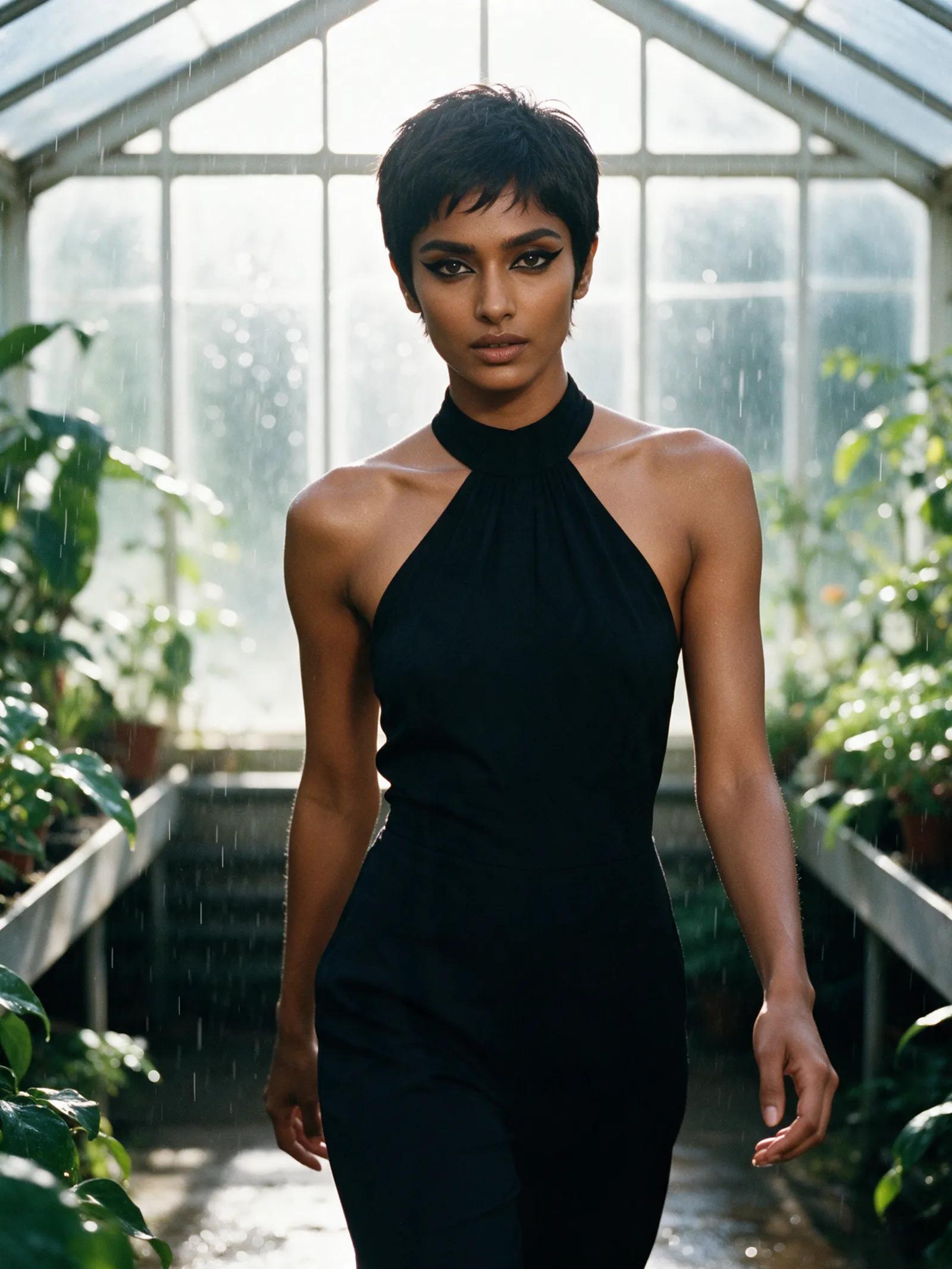
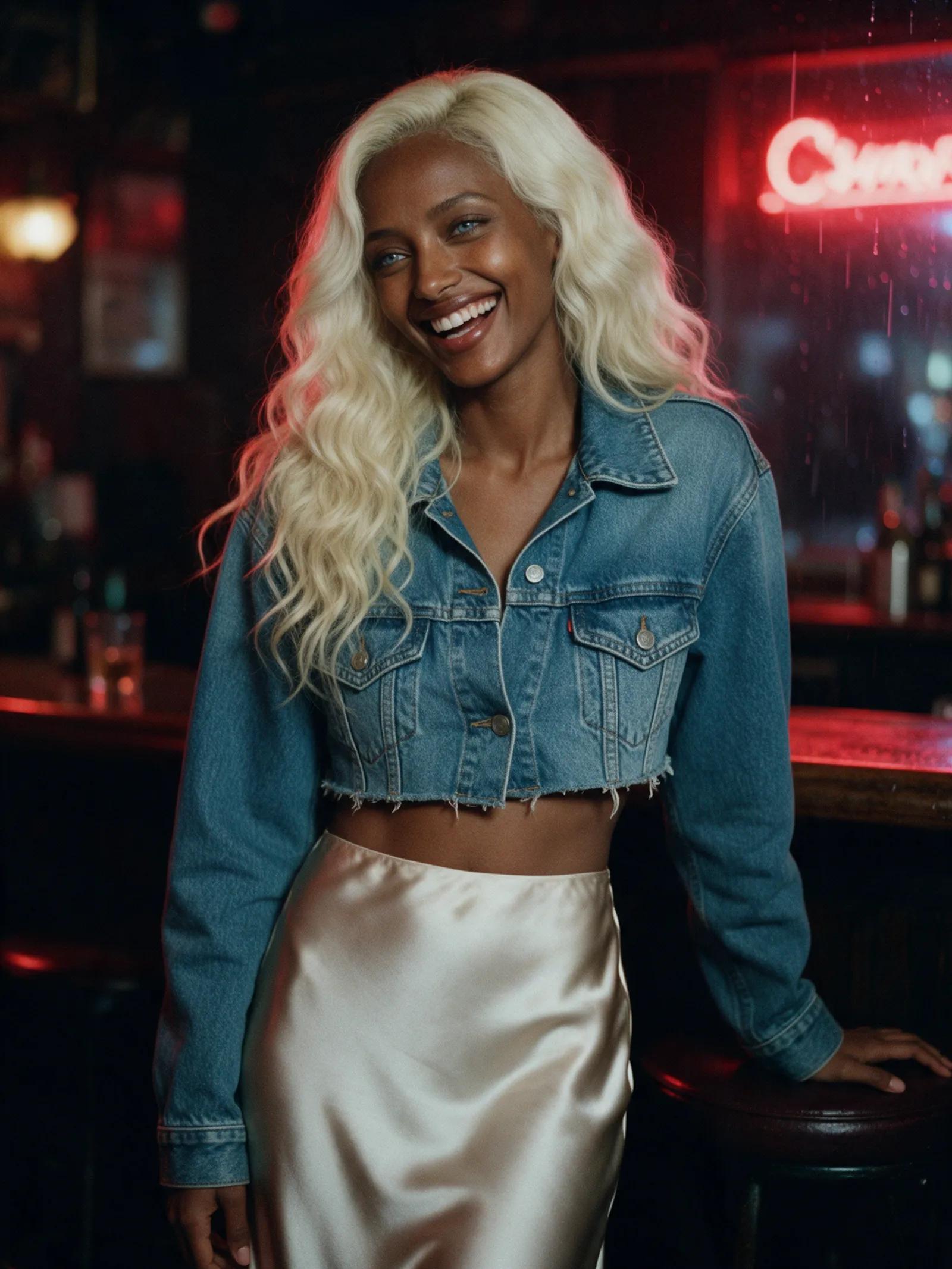
Define one person with a few distinctive details, such as age, appearance, hair, and expression. Specific language gives the AI a clearer character to interpret.
Words in motion
Turn a clear description into cinematic motion with prompt-to-video AI. Name the subject, action, setting, lighting, and mood—then let the studio interpret your words.
Anatomy of a prompt
A strong prompt gives the scene a clear foundation. Describe who appears, what happens, and how the moment should feel—without crowding the frame with competing ideas.
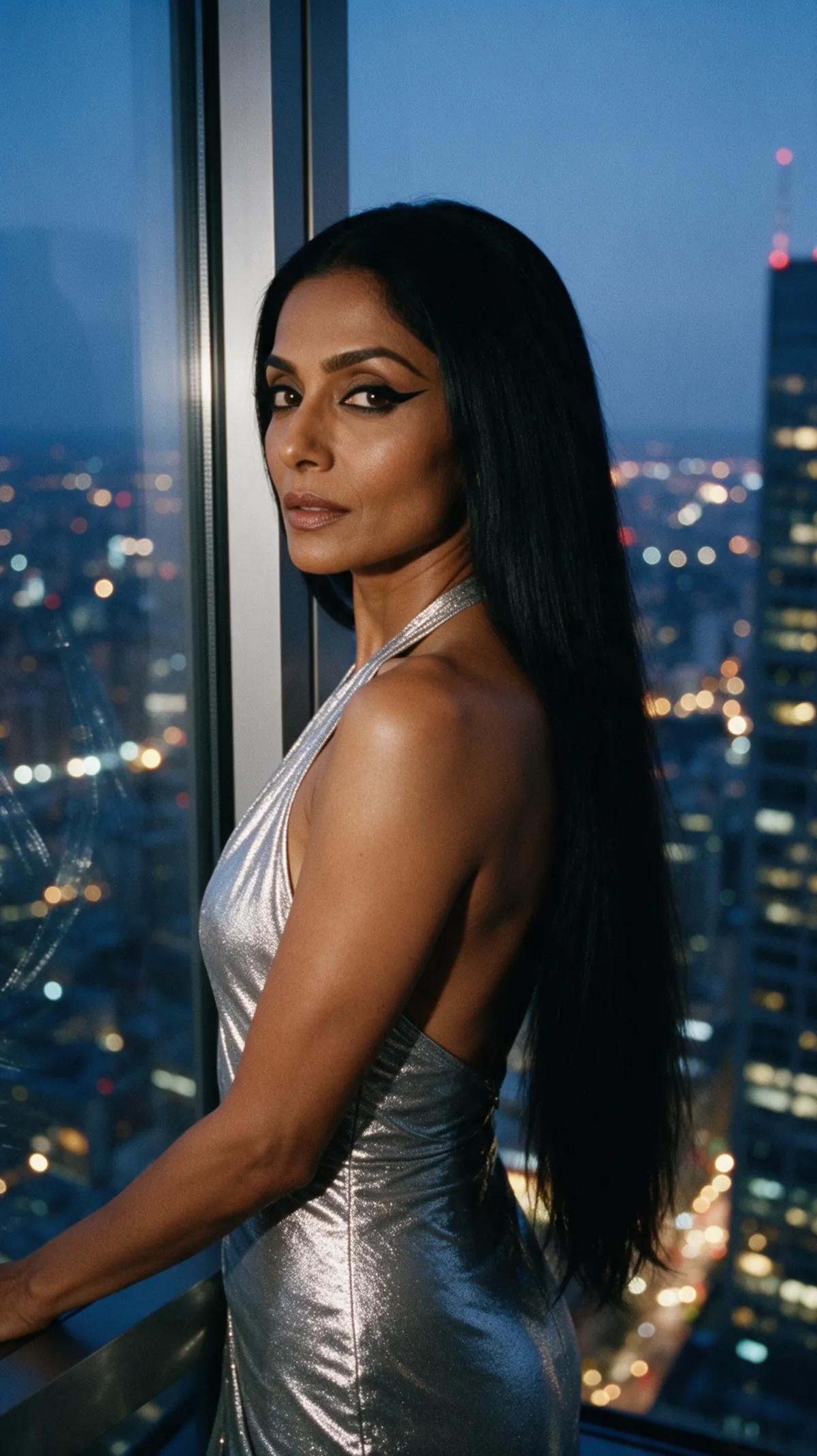
Define one person with a few distinctive details, such as age, appearance, hair, and expression. Specific language gives the AI a clearer character to interpret.

Choose one simple, visible action. Walking, turning, or lifting a gaze gives the clip motion without asking the scene to do too much.

Place the action somewhere specific. A rooftop pool above Manhattan at dusk gives the frame depth, atmosphere, and a visible world.
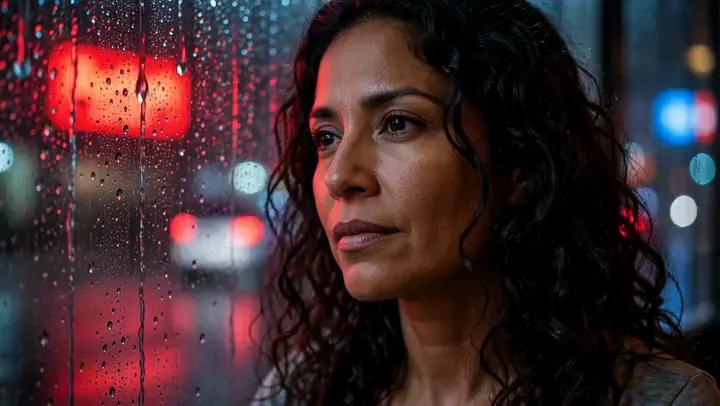
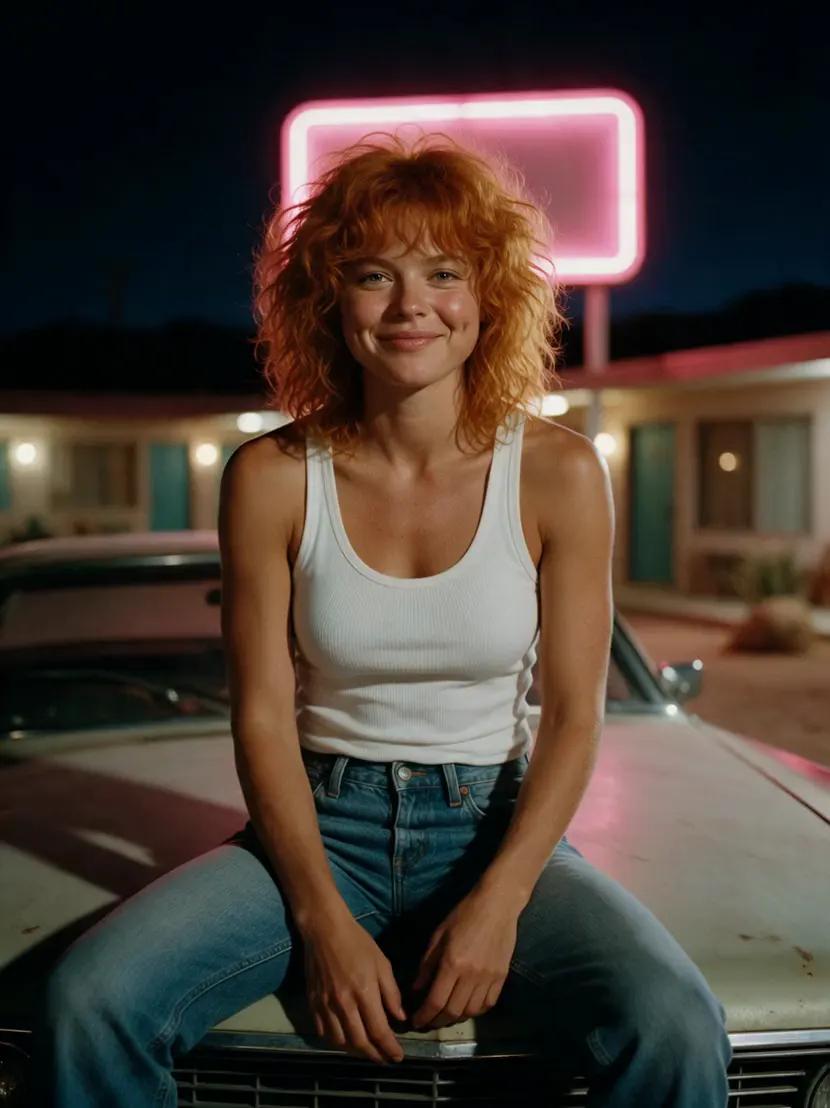
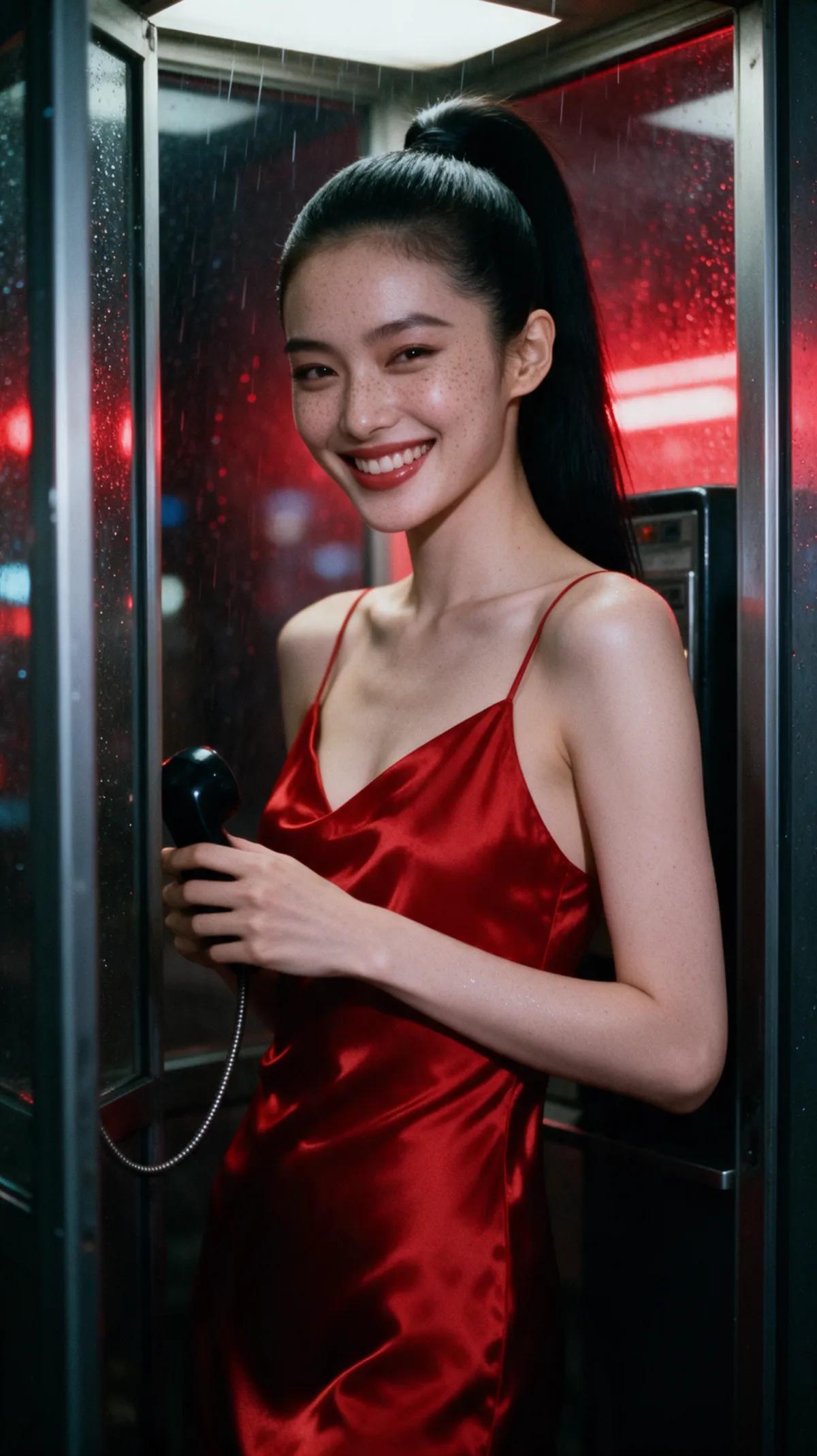
Describe where the light comes from and how it behaves. Red and blue neon flickering through rain creates a more precise image than “dramatic lighting.”
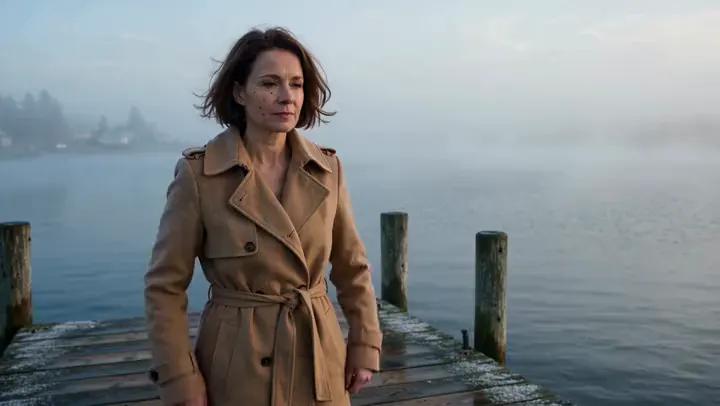
Combine emotional and visual cues. Fog, muted color, film grain, and a still pose can evoke melancholy without overexplaining it.
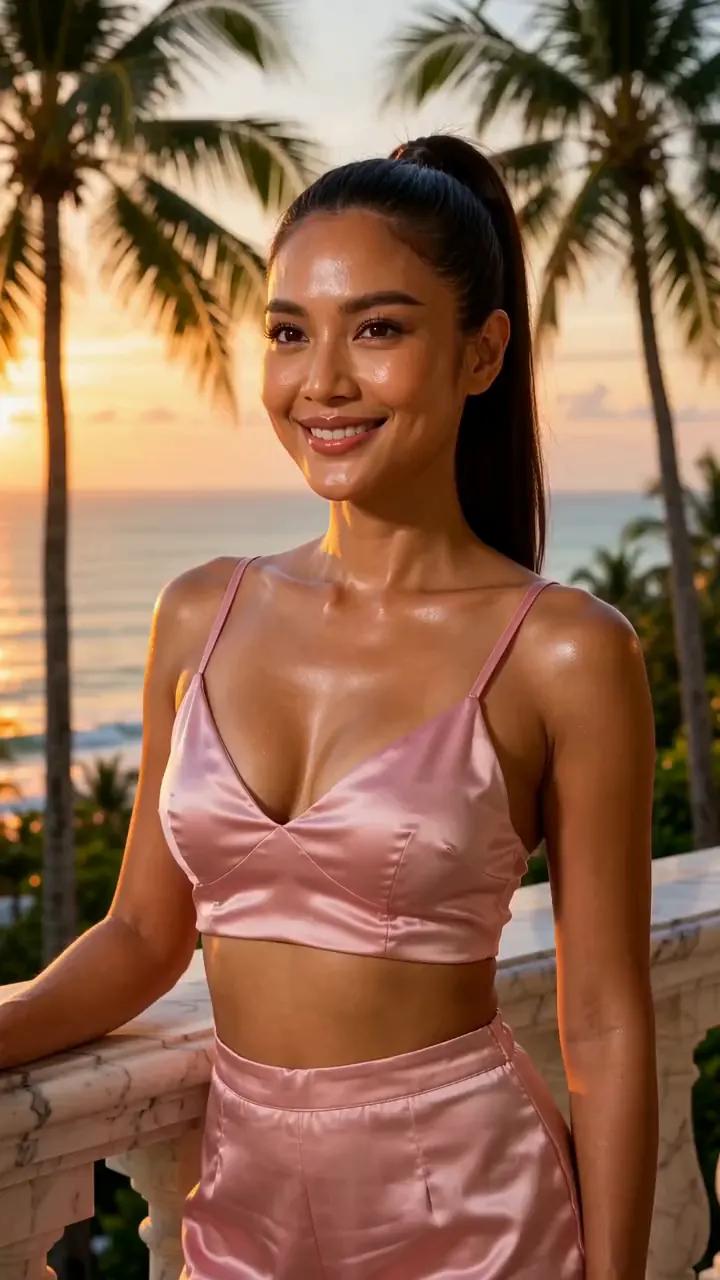
When format matters, define the frame before describing the scene. Vertical 9:16 shapes the composition for a tall screen while keeping the action clear and simple.
From line to scene
Describe one subject, one clear action, and a specific setting. Add camera behavior, lighting, mood, and format where they matter.
Select Standard or Ultra, then choose the clip length, aspect ratio, resolution, and whether you want sound. Ultra supports clips up to 30 seconds.
Your clip takes a few minutes to render, then appears in your private library. If the first interpretation misses the mark, sharpen the wording and try again.
Finished scenes
Every example was made in the studio. Open any one to see the exact prompt, then use it in the studio as your starting point.
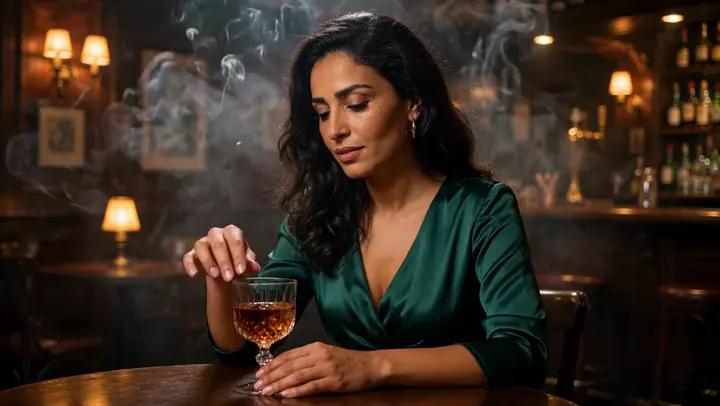
“A 30-year-old Moroccan woman with warm olive skin and long dark waves in an emerald satin dress sits in a dim jazz bar, slowly stirs her drink and looks up at the camera, warm amber light and smoke in the air. Natural realistic movement, static camera.”
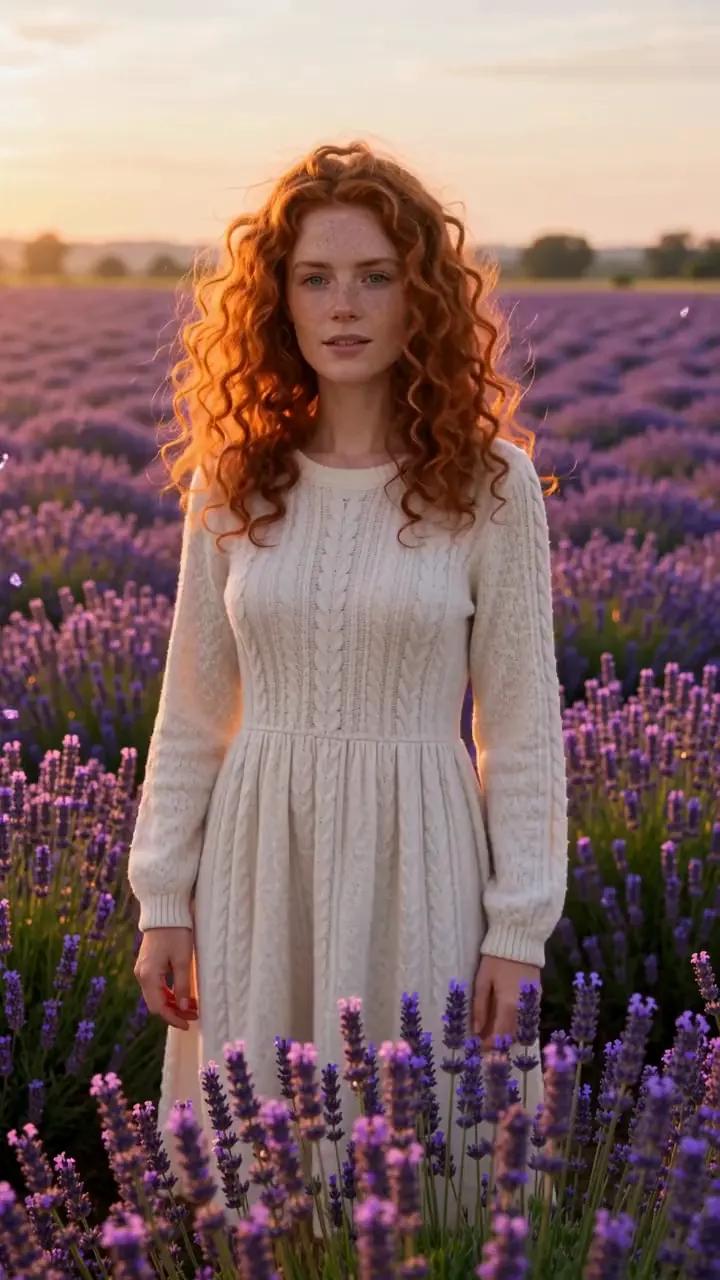
“A 25-year-old Irish woman with pale freckled skin and copper curls in a cream knit dress stands in a lavender field at sunset, the wind moving the flowers and her hair. Natural realistic movement, static camera.”
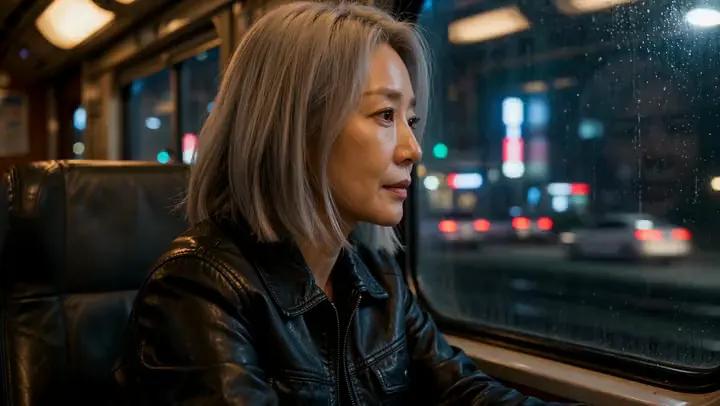
“A 36-year-old Korean woman with fair skin and a silver-blonde lob in a black leather jacket sits in a train compartment at night, city lights streaking past the window, she turns from the window to the camera. Natural realistic movement, static camera.”
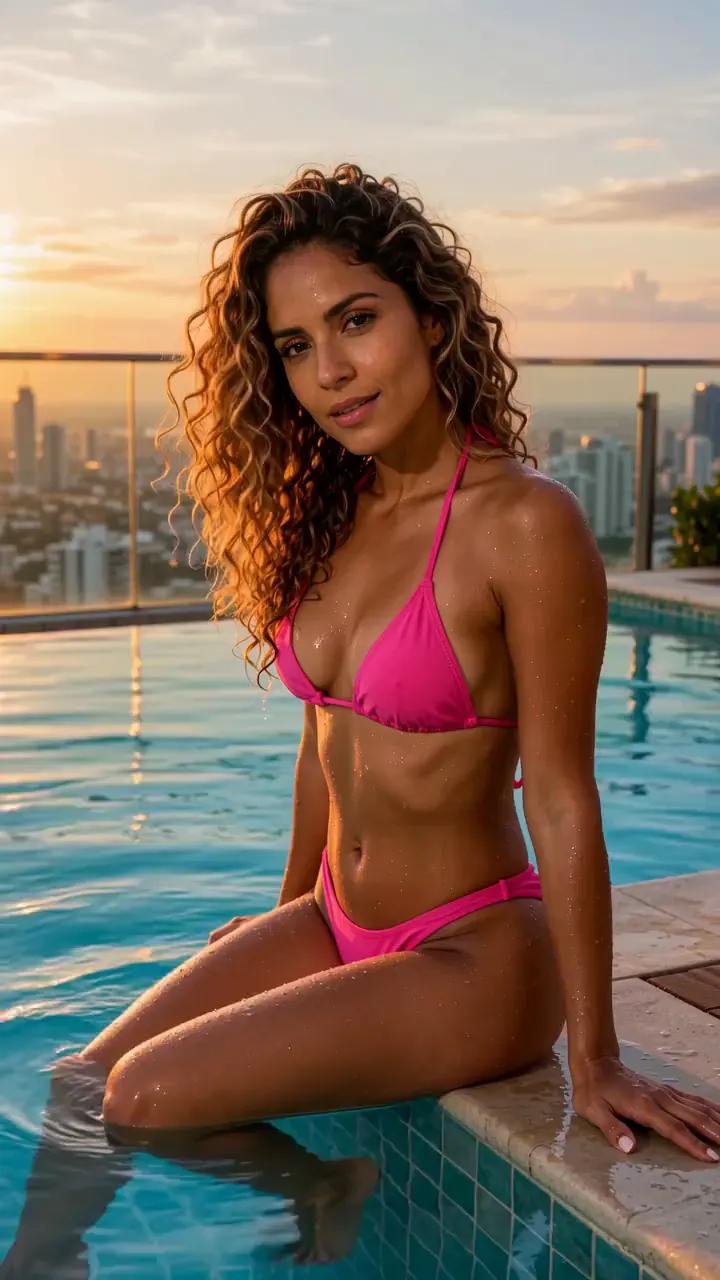
“A 28-year-old Colombian woman with caramel skin and golden-brown balayage curls in a hot pink bikini sits at the edge of an infinity pool at sunset and smiles over her shoulder. Natural realistic movement, static camera.”
The AI interprets the scene you describe. Start with a clear subject, then give that person one action the viewer can recognize: walking down a hallway, stirring a drink, or turning toward the camera. Add only the details that shape the frame. Age, hairstyle, clothing, and expression can define the person, while “natural, realistic movement” helps convey the motion you want. A static camera keeps the composition steady.
Setting transforms an idea into a place the camera can see. Instead of asking for a beautiful background, name the location, time, and visible details: a rooftop pool above Manhattan at dusk, a foggy pier at dawn, or a train compartment with city lights streaking past. This gives the AI more concrete visual information. Keep the action compatible with the location so the model has one coherent moment to render.
Lighting and mood should describe visible qualities rather than broad labels. Try warm amber light with smoke in the air, red and blue neon through rain, or soft, muted colors with film grain. These details guide the atmosphere without burying the scene under adjectives. The AI still interprets your words, so results can vary. A second attempt with a simpler action or sharper visual language often comes closer to your idea.
Before generating, tell the AI how the scene should be framed. Promptgasm supports 9:16, 3:4, 1:1, 4:3, and 16:9, with resolution up to 1080p and sound on or off. Choose Standard with Wan 2.7 for a quick, reliable render or Ultra with Wan 3.0 for the most detailed results. Clips can run 5, 10, or 15 seconds, with up to 30 seconds available on Ultra.
Start with a photo, create a still, edit an image, build a photoshoot, stage a duo scene, or restyle motion with the studio’s other tools.
Describe a subject, one clear action, a setting, and the visual mood. Choose your engine, duration, aspect ratio, resolution, and sound setting, then generate the clip. It will appear in your private library after a few minutes.
Include the subject, action, setting, lighting, mood, and format when each detail matters. Concrete language such as “walks slowly through a sunlit hallway” gives the AI more to interpret than a vague request for cinematic movement.
Your private account library displays the finished result once rendering is complete, which takes a few minutes. From there, you can watch or download it.
Standard uses Wan 2.7 for quick, reliable results. Ultra uses Wan 3.0 for the most detailed results and supports clips up to 30 seconds.
Yes. Choose 5, 10, or 15 seconds, or up to 30 seconds on Ultra, with 9:16, 3:4, 1:1, 4:3, or 16:9 framing. Resolution goes up to 1080p, and sound can be on or off.
The AI interprets your words, so every detail may not appear exactly as imagined. If the first result misses the mark, simplify the action, make the setting more concrete, or replace broad adjectives with visible lighting and mood cues.
Yes. Image to video can animate a photo, use an optional last frame, or cast up to five tagged reference pictures in a new scene. Fast uses Wan 2.2, Best uses Wan 2.7, and Ultra uses Wan 3.0.
Write one clear moment, choose the frame, and turn your prompt into a cinematic clip.