Rain and neon
“Extreme close-up: rain runs down the face of a 29-year-old Egyptian woman with honey-brown skin and dark eyes as she looks up into the night sky, neon light reflecting in the water drops. Natural realistic movement, static camera.”
Detail in motion
With our realistic AI video generator, every detail carries the scene—from rain on a face to silk moving through warm light. Describe the shot, choose your engine, and watch it take shape.


Made from words
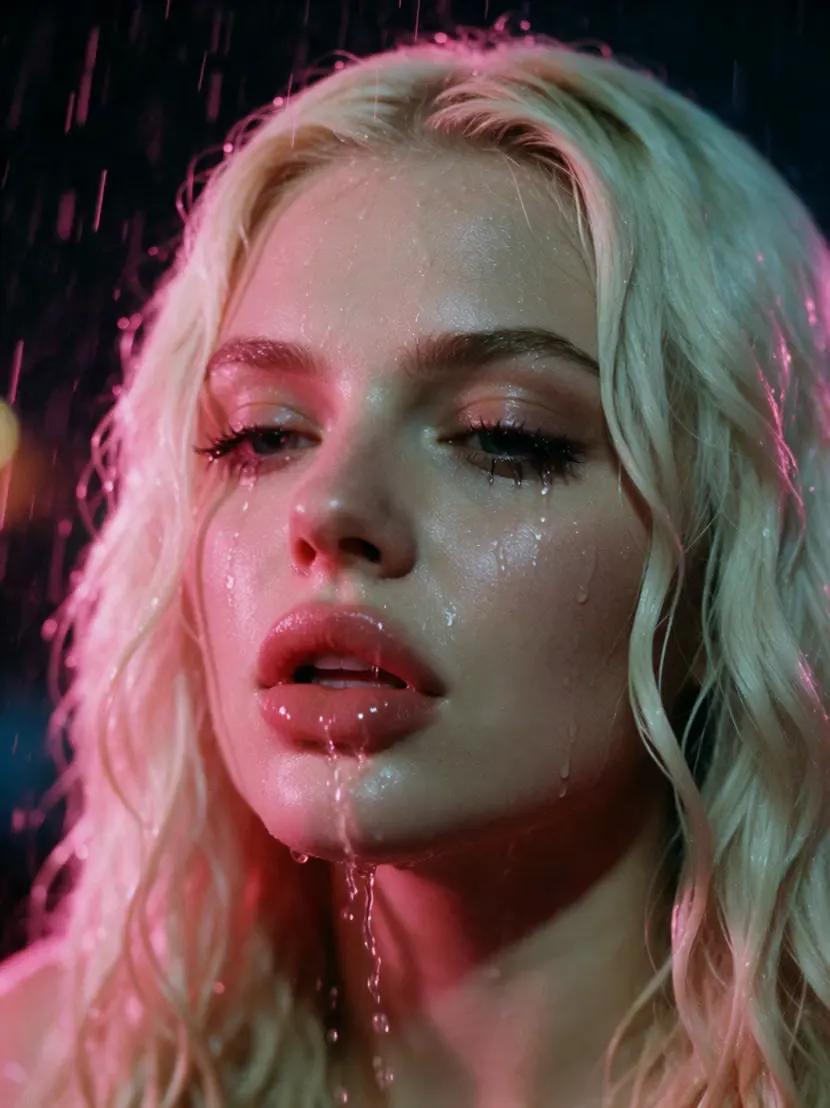
These clips were created directly from prompts in the studio. Open any example to see the exact prompt and make it your own.
“Extreme close-up: rain runs down the face of a 29-year-old Egyptian woman with honey-brown skin and dark eyes as she looks up into the night sky, neon light reflecting in the water drops. Natural realistic movement, static camera.”

“A 33-year-old Dutch woman with fair rosy skin and long honey blonde hair stands on a cliff in strong wind, her hair and a white linen shirt blowing, soft overcast light. Natural realistic movement, static camera.”

“Close-up of a 26-year-old Vietnamese woman with light golden skin as a red silk scarf slides off her shoulder in slow motion, warm window light, fine fabric detail. Natural realistic movement, static camera.”
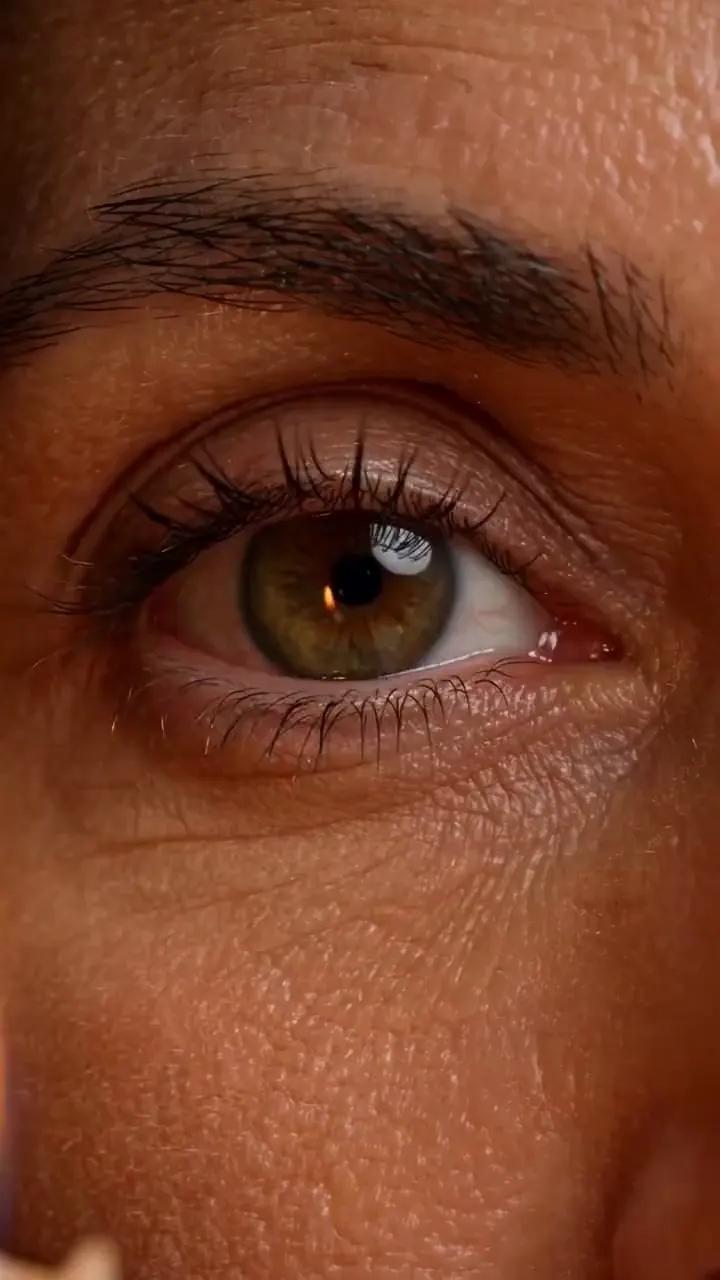
“Macro close-up of the eyes of a 40-year-old Greek woman with olive skin and warm hazel eyes, she blinks slowly and her pupils react to a candle flame. Natural realistic movement, static camera.”
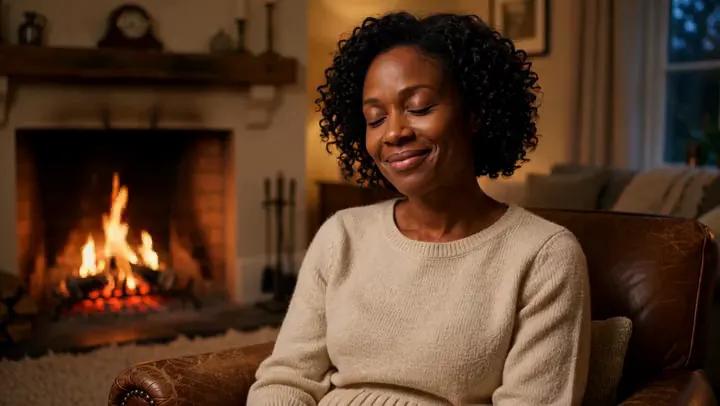
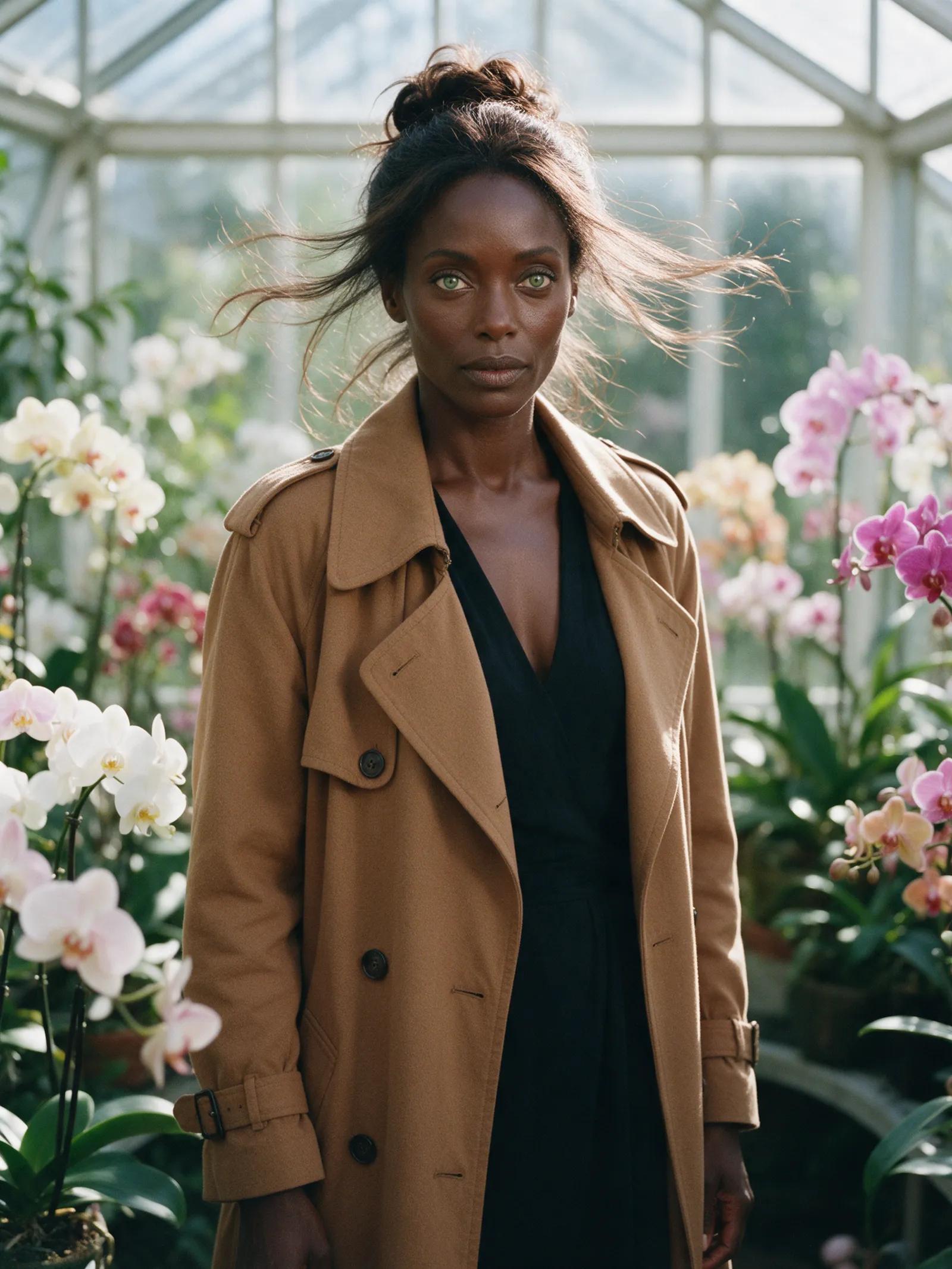
“A 31-year-old Jamaican woman with dark brown skin and short black curls sits by a fireplace in a cream knit dress, firelight flickering on her face, she smiles softly. Natural realistic movement, static camera.”
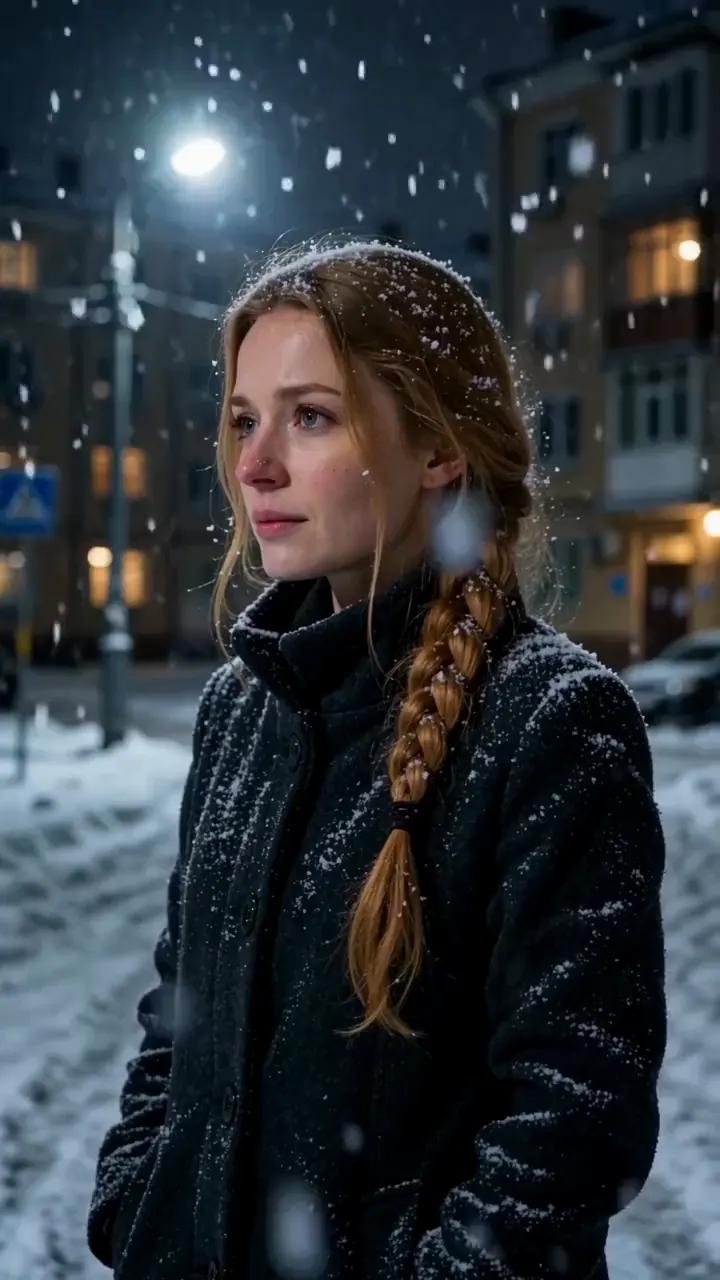
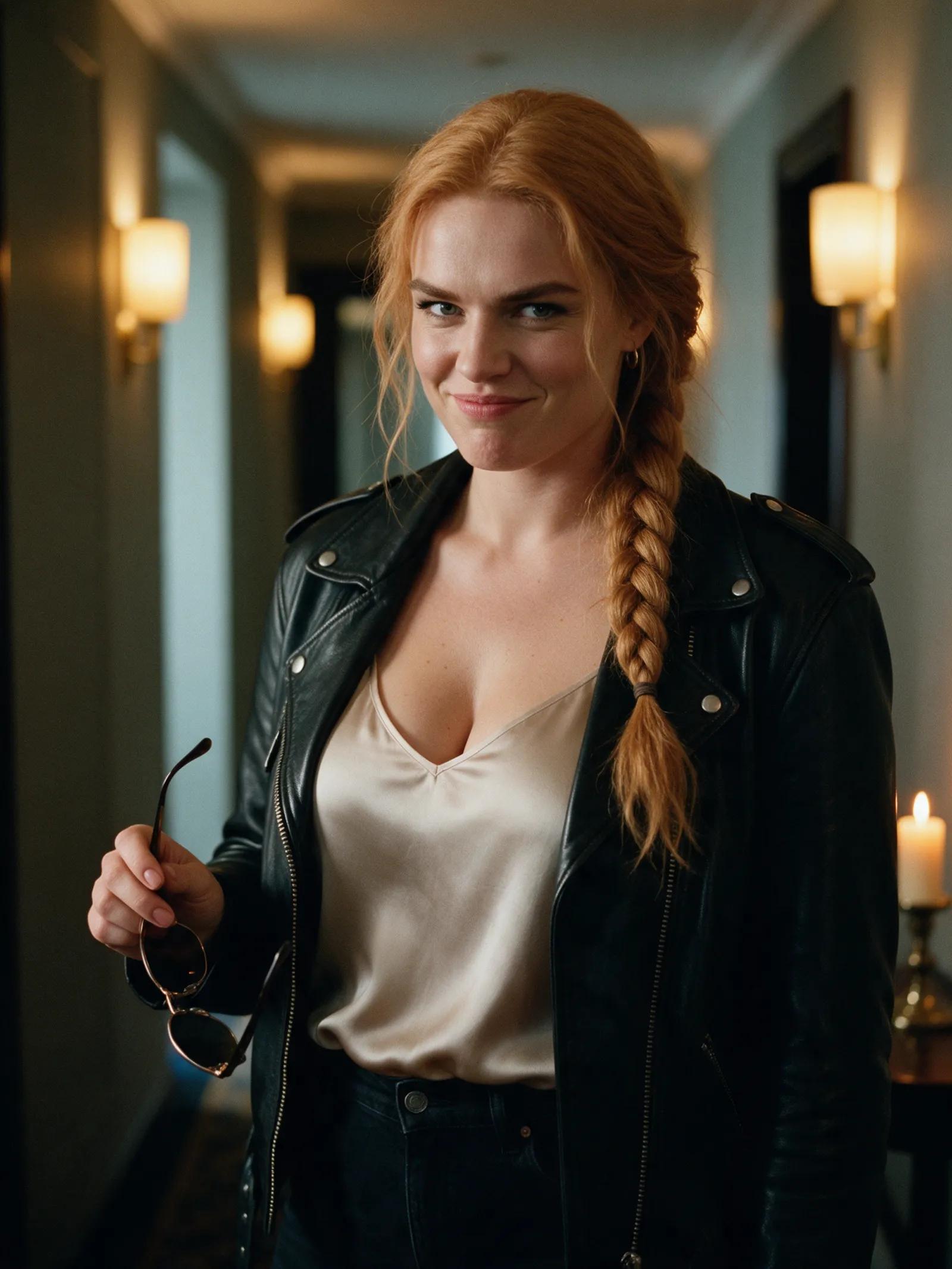
“A 28-year-old Ukrainian woman with fair skin and a strawberry blonde braid breathes out in cold winter air on a snowy street at night, her breath visible, snowflakes in her hair. Natural realistic movement, static camera.”
Built for realism
Choose Ultra with Wan 3.0 for the most detailed rendering. Create clips up to 30 seconds long at resolutions up to 1080p Full HD.
Use Standard with Wan 2.7 for fast, reliable text-to-video rendering. Image-to-video offers Fast, Best, and Ultra options.
Compose in 9:16, 3:4, 1:1, 4:3, or 16:9. Create vertical portraits, square close-ups, or wide cinematic scenes.
Bring your own photo to life with image-to-video, add an optional final frame, or use up to five tagged reference images to cast a new scene.
Generate a still first, edit its outfit, background, or lighting with written instructions, then set it in motion. You can also apply movement from a reference clip with video restyle.
Each render arrives in your private account library after a few minutes. Watch it there or download the finished clip.
From thought to frame
Write one focused action with specific details about the light, skin, hair, fabric, and atmosphere. Keep the camera direction simple.
Select an engine, duration, aspect ratio, resolution, and sound setting. Use Ultra when the finest detail matters most.
Your clip renders in a few minutes and appears in your private library. Watch it, download it, or refine the idea with another prompt.
Realism is easiest to judge in the smallest moments. Rain should follow the curve of a cheek. Hair should respond to the wind. Firelight should shift across a face instead of sitting there like paint. The right video model brings these elements together in a short, moving scene. Promptgasm lets you begin with words or a photo, then render cinematic footage in multiple aspect ratios at up to 1080p Full HD.
The right engine for a particular shot depends on the detail and motion you need. Promptgasm offers Standard with Wan 2.7 for fast, reliable text-to-video work and Ultra with Wan 3.0 for the most detailed results. For image-to-video, choose Fast, Best, or Ultra. Clips can run for 5, 10, or 15 seconds, with durations up to 30 seconds available on Ultra.
For convincing results, give the model a clear visual hierarchy. Start with the subject, then name the lighting, texture, and one slow action. Try “soft overcast light,” “fine silk weave,” “visible breath in cold air,” or “firelight flickering across her face.” A static camera can help subtle movement read clearly. The best results often come from asking for one believable moment rather than several competing events.
Even the most lifelike result is generated imagery, not footage of an actual event. Everyone shown in Promptgasm examples is fictional and portrayed as being of legal age. You may upload your own photo, and you should only use another real person’s photo with their consent. Never present a generated person or scene as real. If a publishing platform asks you to identify AI-generated video, label it accordingly before sharing it.
It turns a written scene or image into moving footage with cinematic light, texture, and motion. Promptgasm creates short videos in 5, 10, or 15 seconds, with clips up to 30 seconds on Ultra.
Describe natural light, visible textures, and one simple action. Details such as damp hair, moving linen, shifting firelight, or breath in winter air give the engine clear visual cues.
Ultra with Wan 3.0 is the most detailed option for both text-to-video and image-to-video. It supports resolutions up to 1080p Full HD and clips up to 30 seconds long.
Yes. Upload your own photo and animate it with image-to-video, or add an optional final frame to guide the ending. Reference mode can cast up to five pictures, tagged Image 1 through Image 5, in one new scene.
Yes. Create stills with Seedream 5 Pro, Seedream 5, or Qwen Image Pro. You can edit the outfit, background, or lighting with written instructions before using the image as the starting frame for a video.
A clip takes a few minutes to render. When it is ready, it appears in your private account library, where you can watch and download it.
No. Promptgasm uses one-time credit packs in US dollars. Signing up costs nothing, while generating requires an account and credits; a still uses a few credits, and longer Ultra clips use more.
Describe the rain, the light, the slow glance—and render the moment in cinematic detail.