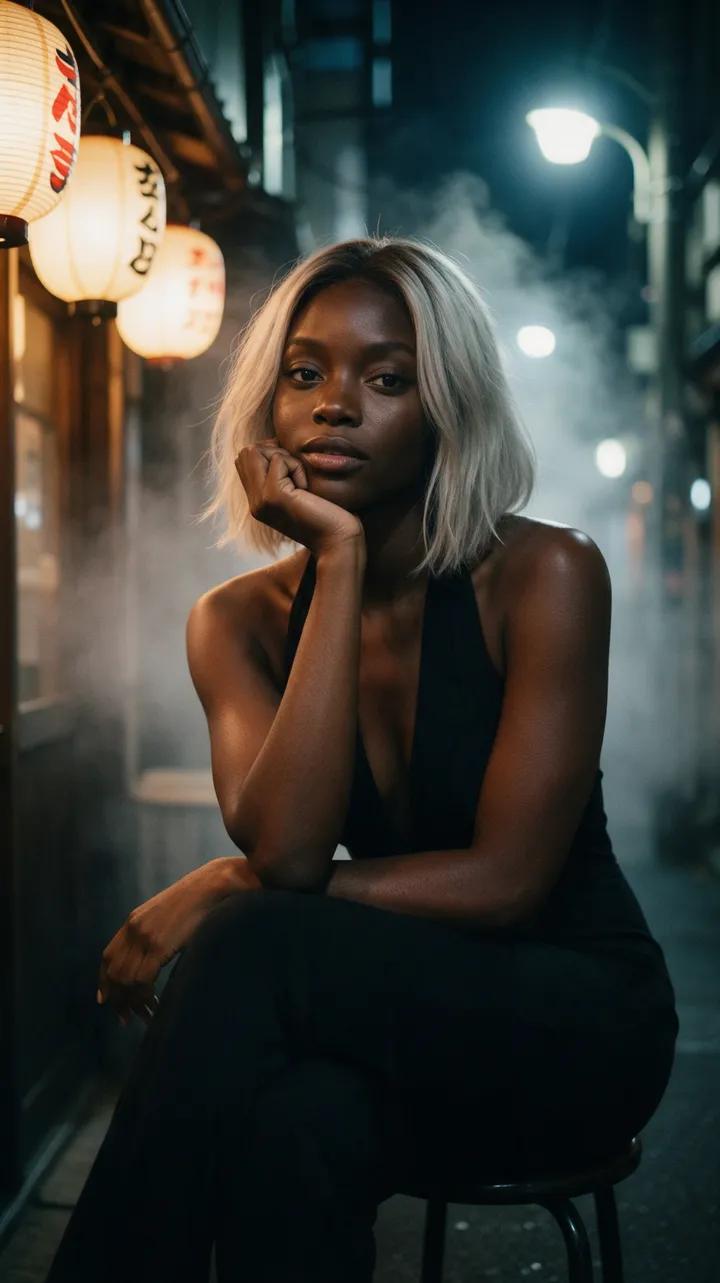
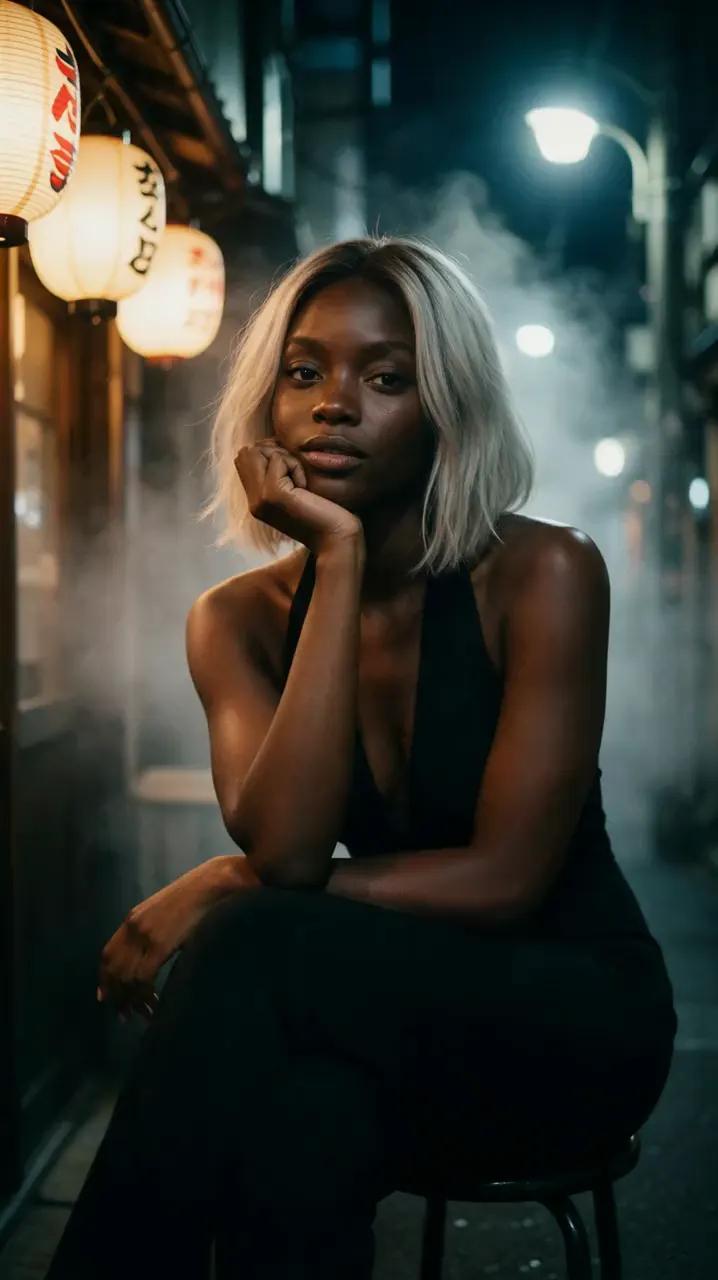
Lantern-lit smile
She lifts her chin from her hand, smiles warmly, then settles back into her pose as the camera remains still.
“She lifts her chin from her hand, smiles warmly and rests it again. Natural realistic movement, static camera.”
Still, now moving
Upload a still, describe the motion, and let photo to video AI transform it into a cinematic clip. For the most natural results, start with one clear subject and one subtle action.
Still meets motion
Each still appears beside the clip it became, with the original prompt ready to open in the studio.
She lifts her chin from her hand, smiles warmly, then settles back into her pose as the camera remains still.
“She lifts her chin from her hand, smiles warmly and rests it again. Natural realistic movement, static camera.”
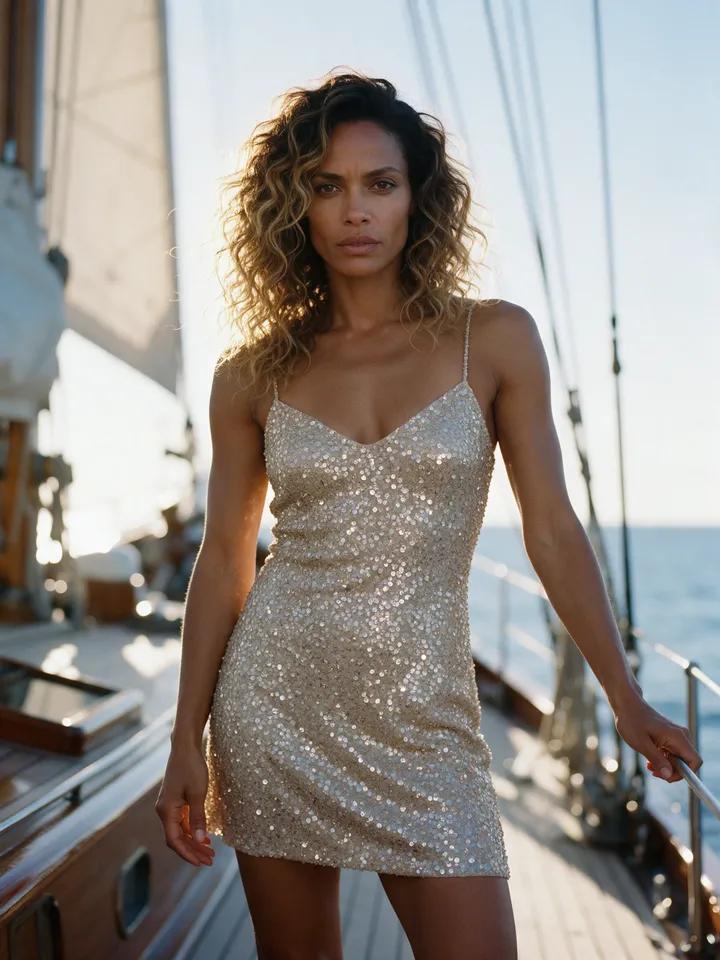
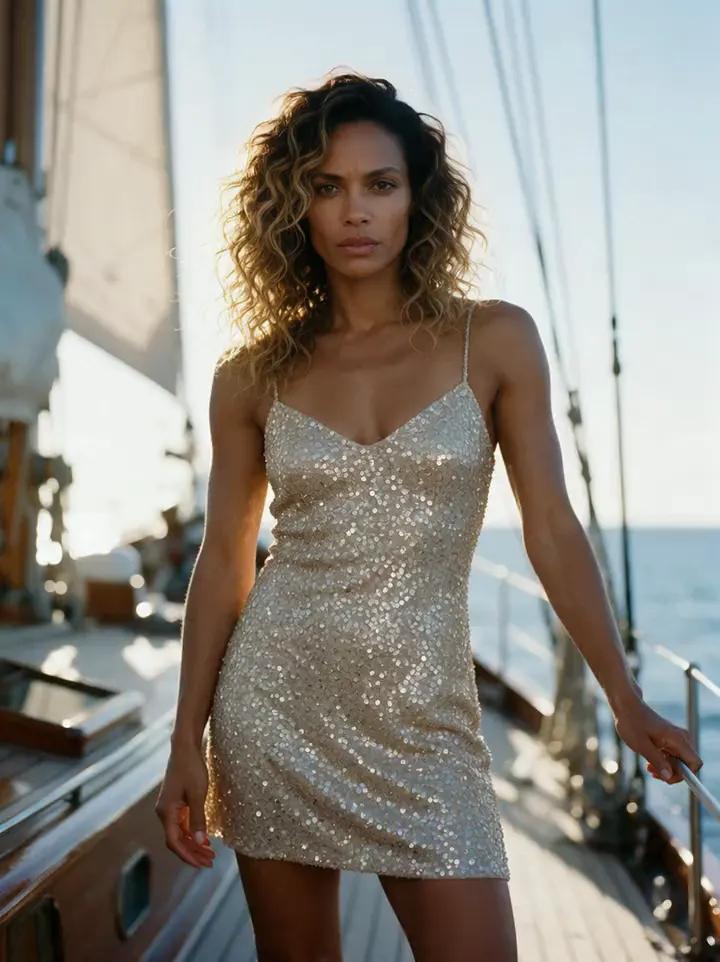
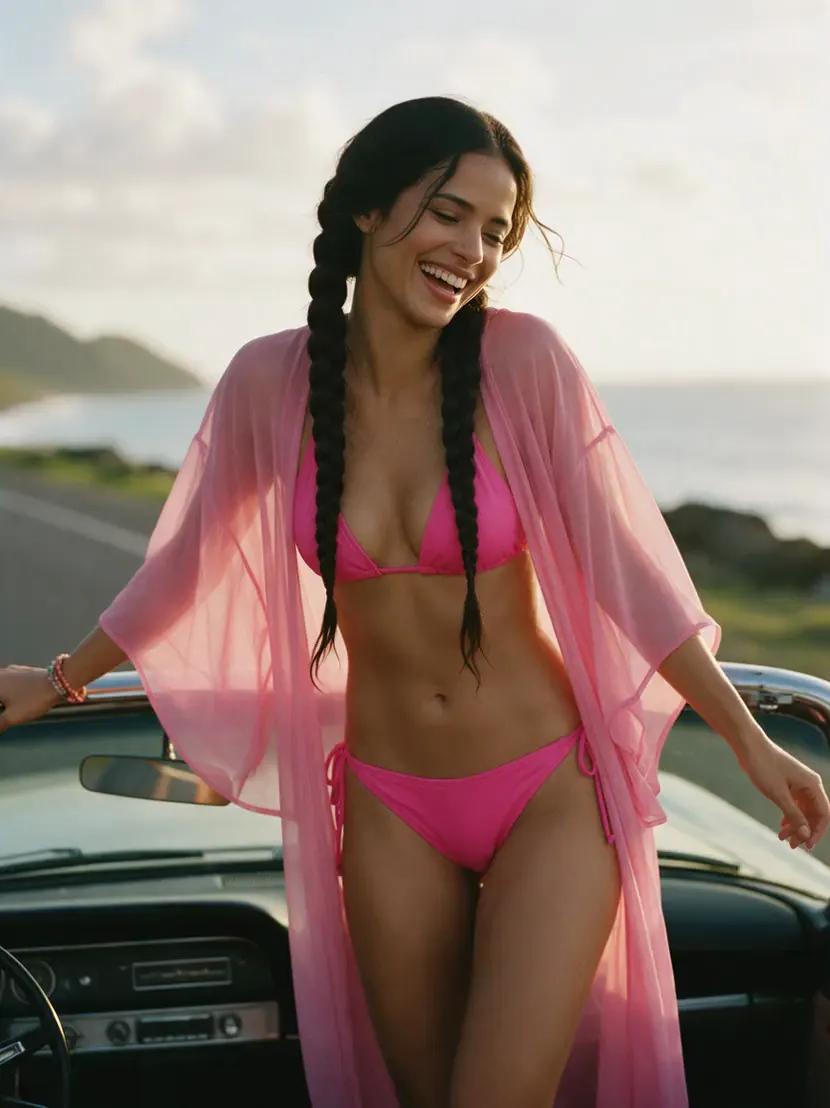
She holds the camera’s gaze, blinks slowly, and lets a subtle smile emerge in the yacht’s golden-hour glow.
“She looks straight into the lens, blinks slowly and a small smile appears. Natural realistic movement, static camera.”
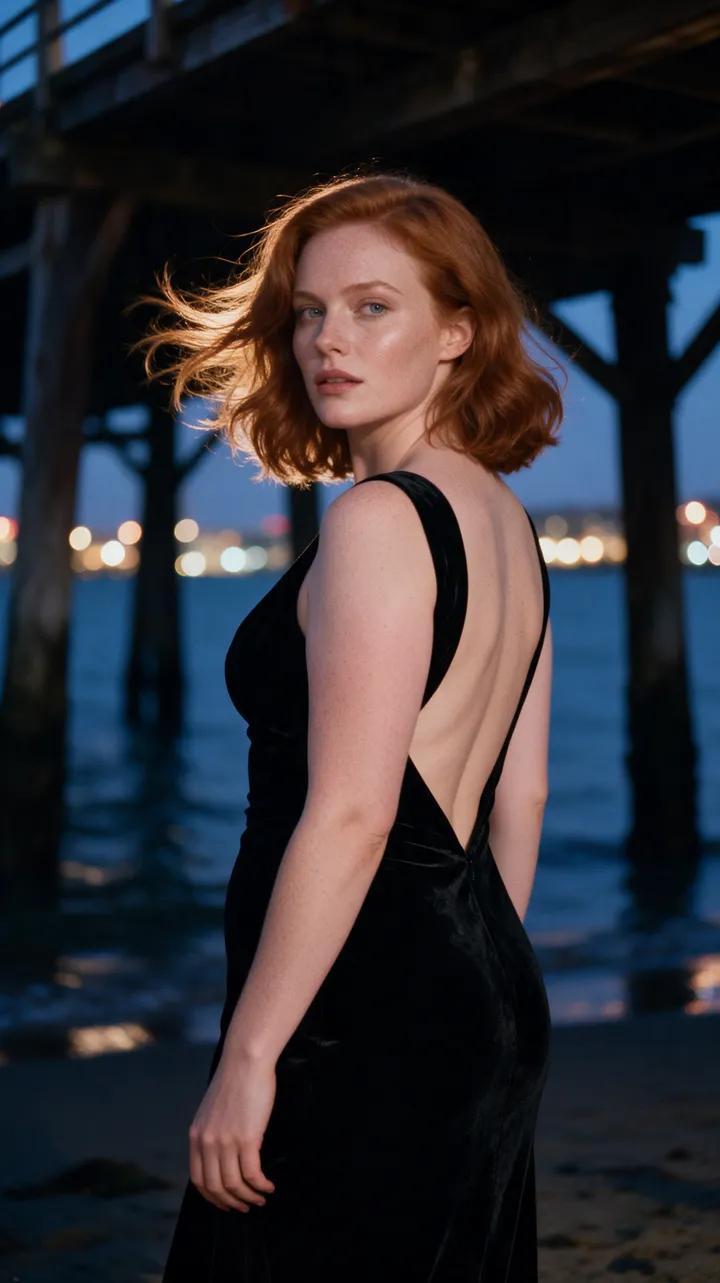
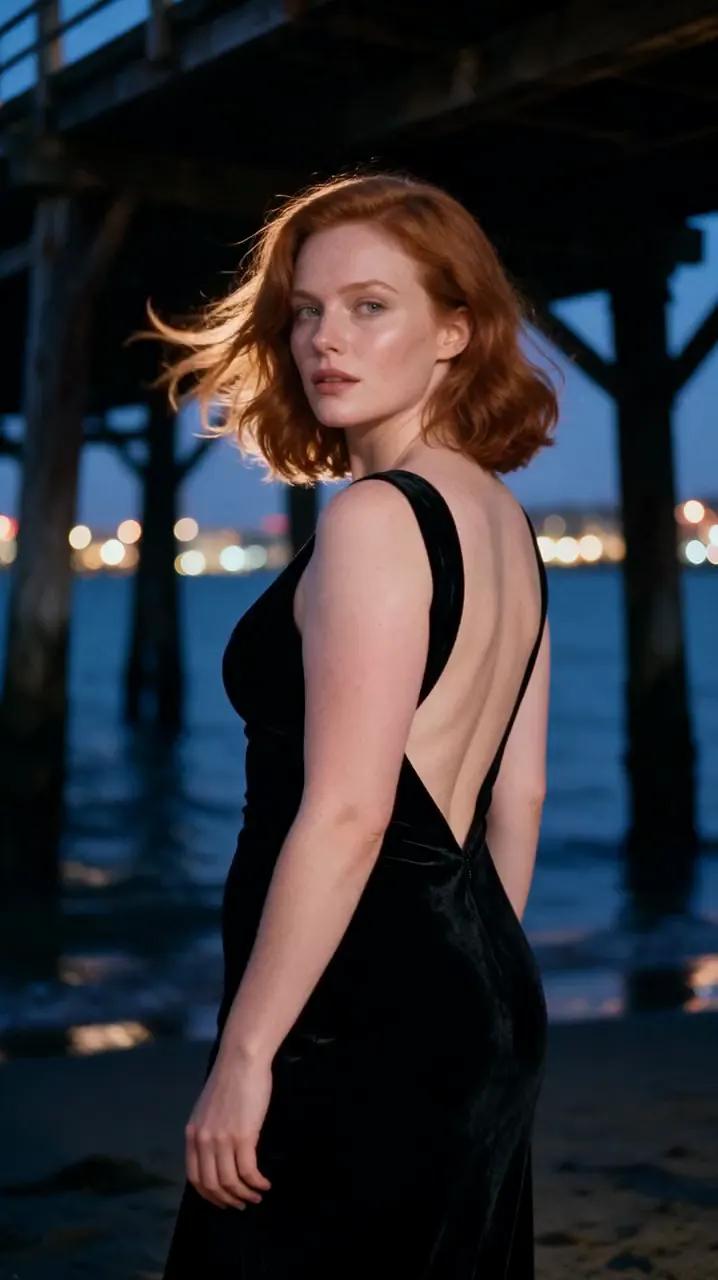
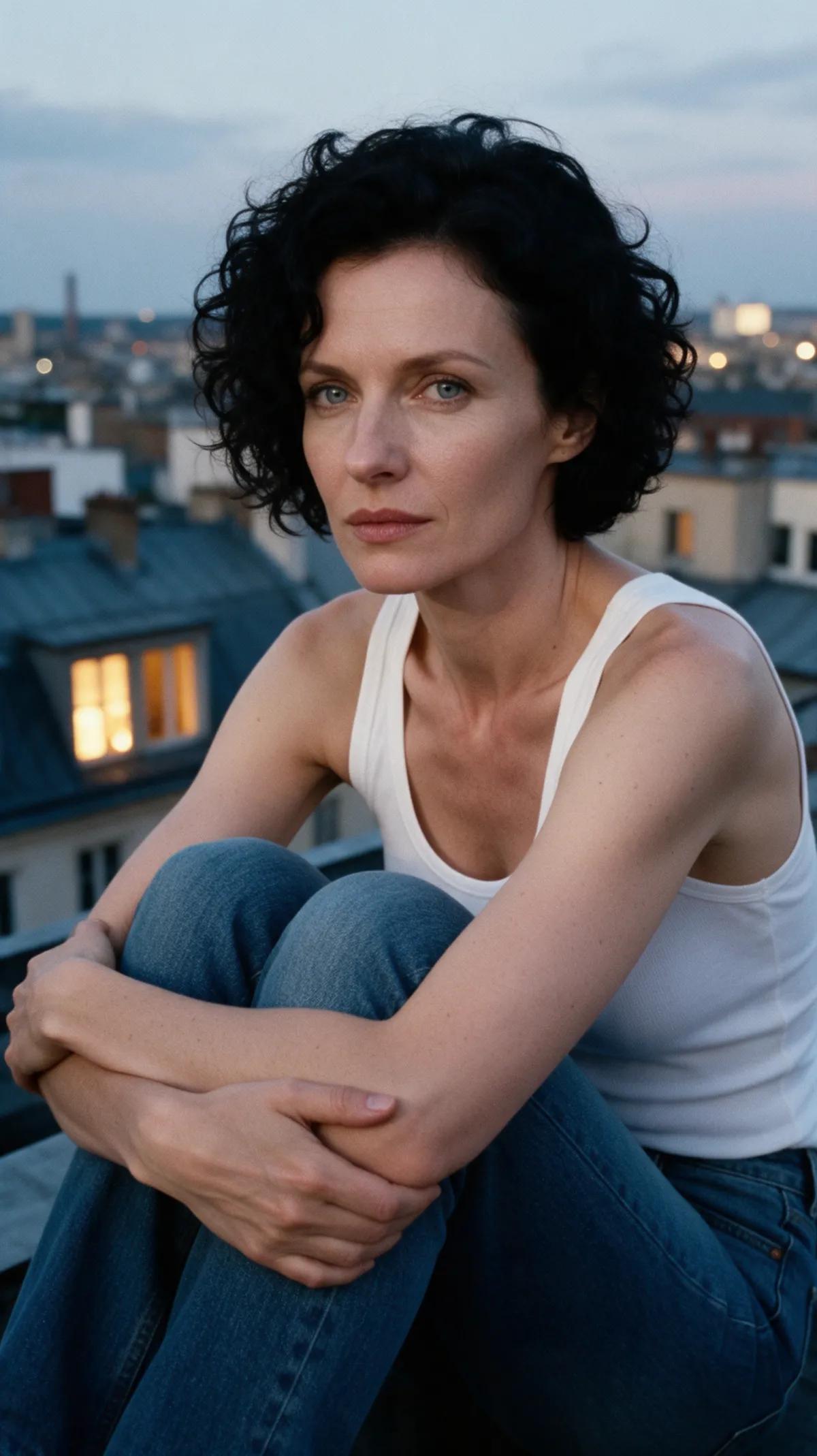
She gazes into the distance as the wind stirs her auburn hair and black velvet gown beneath the pier.
“The wind moves her hair and her dress as she stands still and looks into the distance. Natural realistic movement, static camera.”
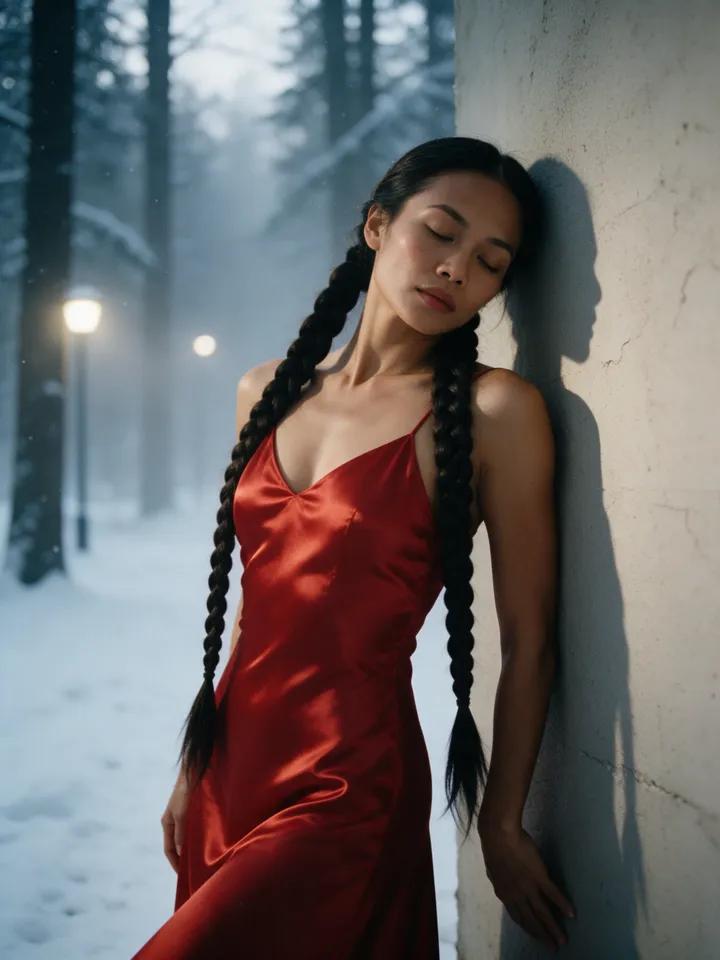
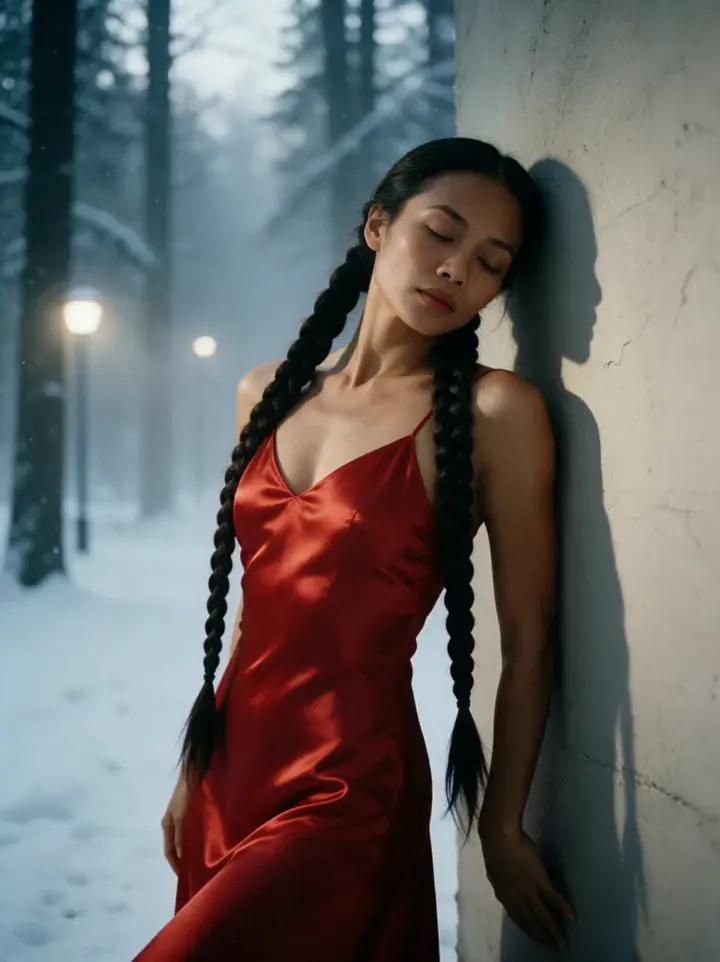
She slowly opens her eyes, meets the camera’s gaze, and breathes softly in the misty forest.
“She opens her eyes slowly, looks into the camera and breathes calmly. Natural realistic movement, static camera.”
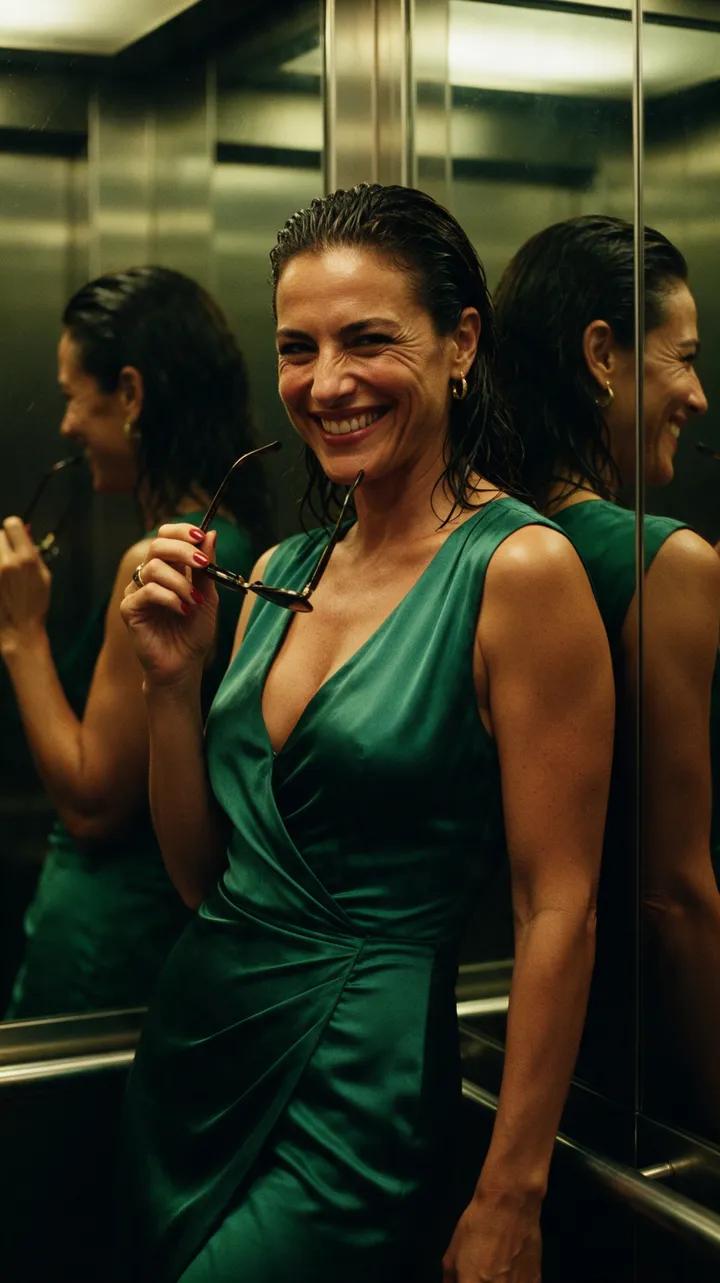
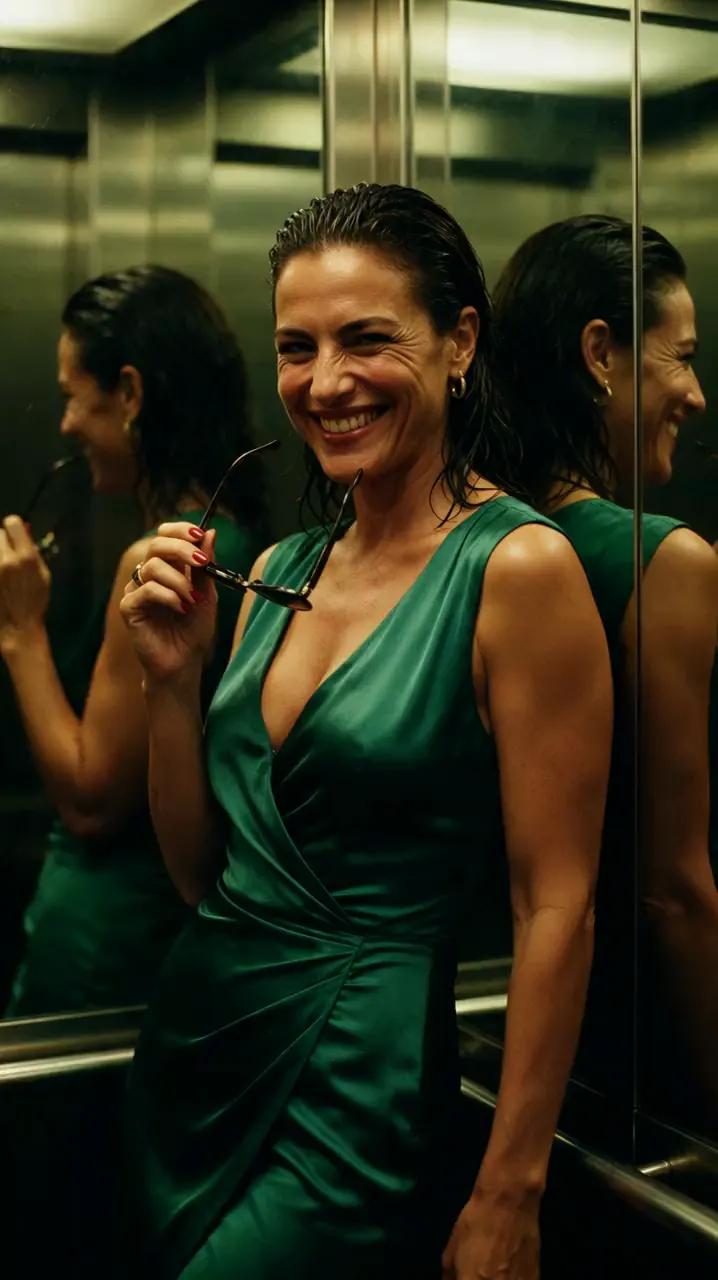
She lowers her sunglasses with measured ease and smirks at the camera beneath moody amber light.
“She slowly lowers her sunglasses and smirks at the camera. Natural realistic movement, static camera.”
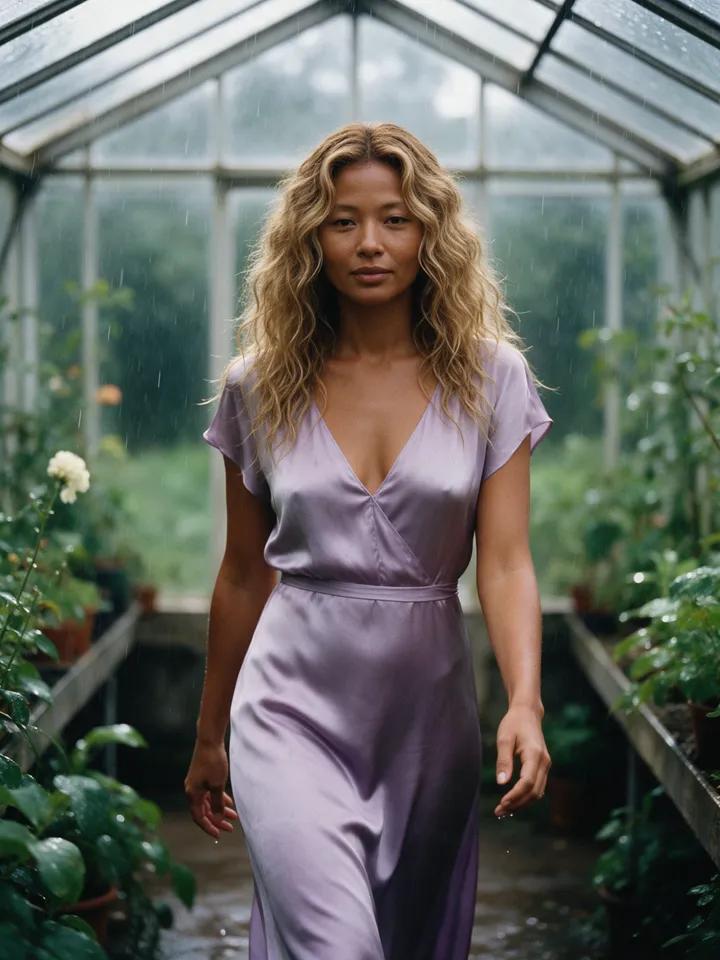
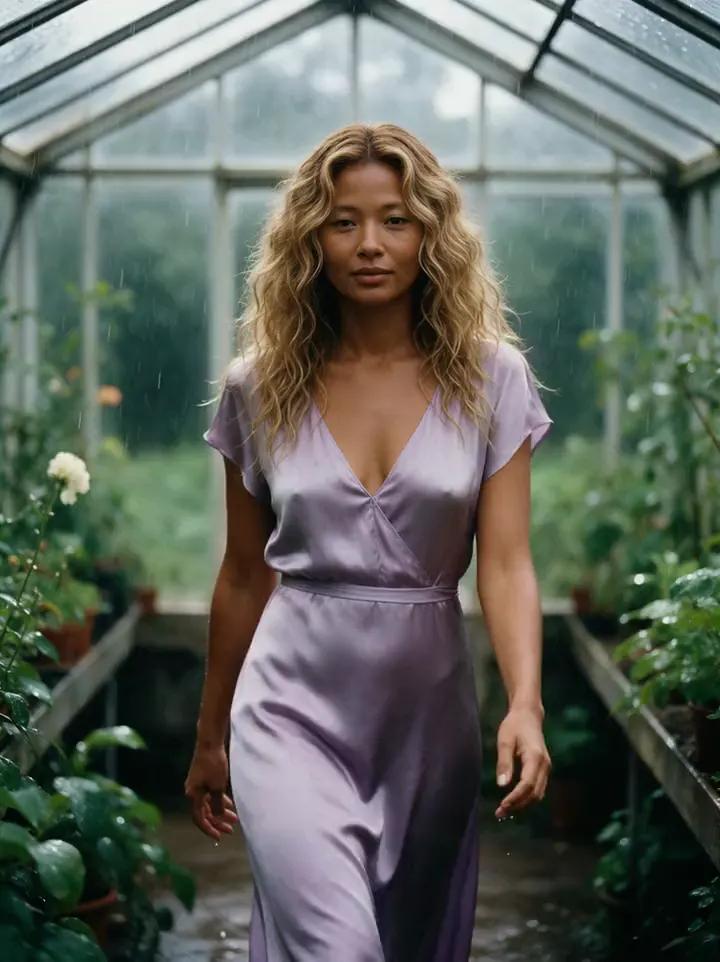
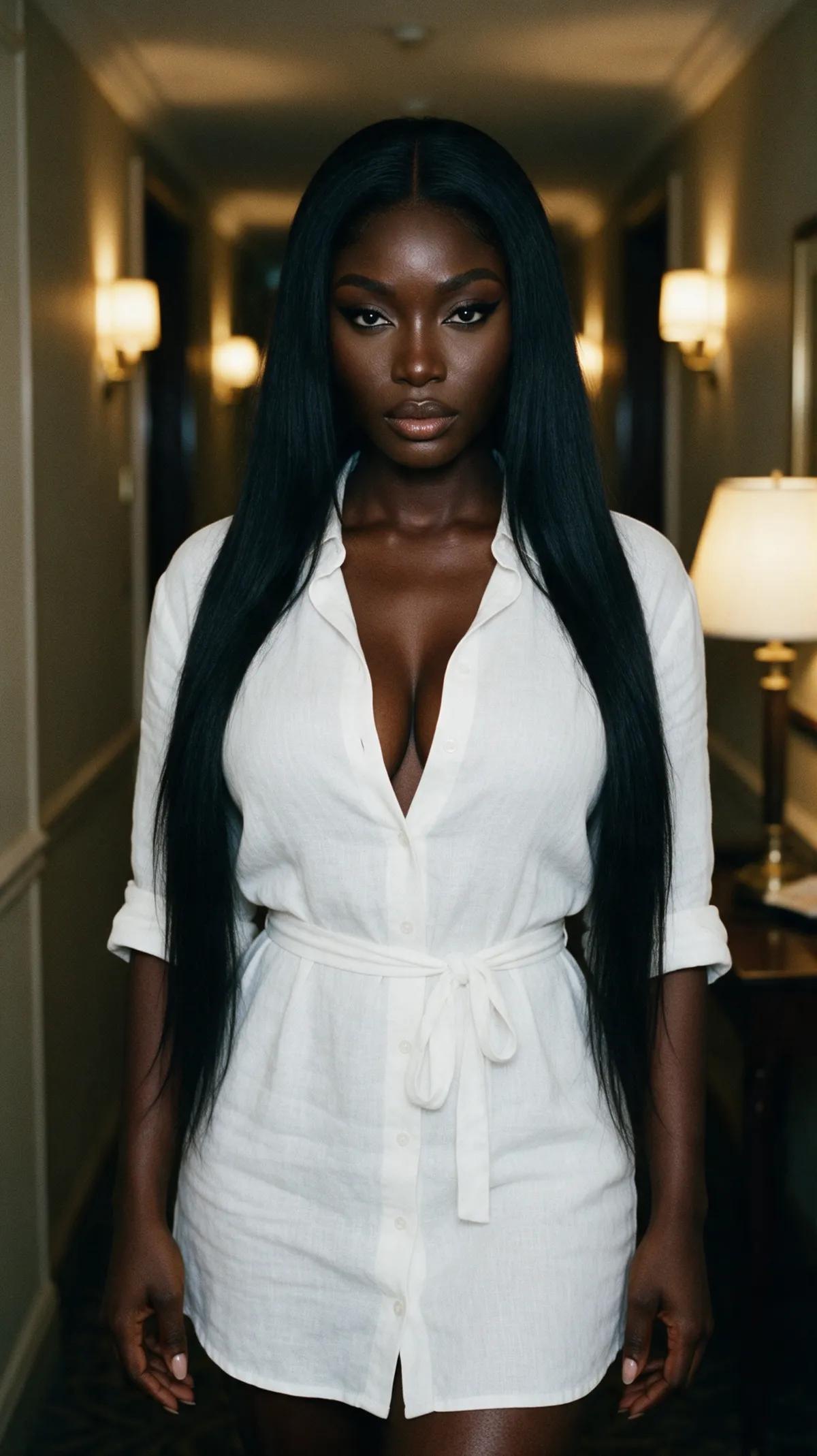
She takes two slow steps toward the camera and smiles as her hair moves naturally in the soft daylight.
“She takes two slow steps towards the camera and smiles, her hair moving naturally. Natural realistic movement, static camera.”
Direct every frame
Choose Fast with Wan 2.2, Best with Wan 2.7, or Ultra with Wan 3.0. Pick the engine that suits the detail and pace you want.
Add an optional last frame to show the AI where your clip should end, giving the motion a clear visual destination.
Reference mode can bring up to five pictures into a new scene. Tag them as [Image 1] through [Image 5] in your prompt.
Create clips of 5, 10, or 15 seconds, or up to 30 seconds with Ultra. Turn sound on or off and choose 9:16, 3:4, 1:1, 4:3, or 16:9.
Render at up to 1080p Full HD. From silk in golden light to rain tracing the glass, every detail has room to breathe.
Every result goes to your private account library, where you can watch or download the finished clip.
From still to scene
Upload your own photo or use a still you created in the studio. A clear subject and an uncluttered composition work best.
Write one subtle action, such as a slow glance, a soft smile, or hair moving in the wind. Add an optional last frame to guide the ending.
Select Fast, Best, or Ultra, then choose your duration, format, resolution, and sound. Your clip takes a few minutes to render and appears in your private library.
Go from moving a picture to creating videos from text, generating images, planning photo shoots, building duo scenes, editing images, or restyling video—all inside the studio.
Use one-time credit packs priced in U.S. dollars, with no subscription. Longer Ultra clips use more credits than shorter clips.
$19
200 credits
One-time purchase. No subscription.
See pricing$45
500 credits
One-time purchase. No subscription.
See pricing$80
1,000 credits
One-time purchase. No subscription.
See pricing$380
5,000 credits
One-time purchase. No subscription.
See pricingThe tool transforms a still image into a short moving clip based on your written direction. Upload a picture, describe the action and camera movement, then choose your render settings.
Upload your picture, describe the movement you want to see, and choose Fast, Best, or Ultra. Set the duration and format, then render the clip.
Start with one clear subject and a composition that keeps the important details easy to see. One subtle action—like a blink, a slow turn, or two measured steps—usually creates cleaner motion.
Yes. Add an optional last frame to set a visual destination for the clip, then describe how the scene should move toward it.
Fast uses Wan 2.2, Best uses Wan 2.7, and Ultra uses Wan 3.0. A clip takes a few minutes to render, with the exact timing depending on your chosen engine and settings.
Clips can be 5, 10, or 15 seconds, with durations up to 30 seconds on Ultra. You can render at up to 1080p in 9:16, 3:4, 1:1, 4:3, or 16:9, with sound on or off.
You can upload your own photo. If the image shows another real person, use it only with their consent. Creating clips requires an account and credits from a one-time pack.
Upload the frame, direct one clear movement, and watch your idea slip into motion.